
What changed in 2026 — and what still works
The short version: The 4K keyword stack still works. What changed is the structure around it. Current AI models (DALL-E 3 GPT Image 1.5, Midjourney v7, Flux 1.1 Pro) respond significantly better to layered, explicit instruction blocks than to long single-sentence prompts. Three changes produce the biggest quality improvement in 2026:
- Separate preservation from enhancement — put "preserve subject identity and composition" in its own clause before enhancement instructions.
- Add camera and lens references —
shot on Canon EOS R5orHasselblad H6D qualitynow meaningfully boosts photorealism in Midjourney v7 and Flux. - Use "extreme fine detail" — this keyword specifically unlocks micro-texture rendering (fur, fabric, foliage) in a way that "highly detailed" alone no longer does in current models.
The sections below cover each change and give you updated copy-paste templates.
The 2026 4K upscale prompt formula
This is the updated structure — same core quality keywords, improved organisation:
[Subject description, what photo type it is] —
Preserve: [subject identity, composition, original framing, era if relevant].
Enhance: [specific improvements: sharpness, noise, color, texture, dynamic range].
Output: 4K ultra HD, tack sharp throughout, extreme fine detail, photorealistic, RAW photography quality, professional [type] photography standard.
[Optional: shot on [camera model and lens].]
The 2024 version (still works but produces weaker results):
[Subject + everything in one sentence] — 4K ultra HD, tack sharp, highly detailed, photorealistic.
The 2026 version consistently produces sharper texture detail and better subject preservation. Use it.
8 updated copy-paste templates for 2026
1. Portrait upscale (face and identity preservation)
This is a portrait photograph.
Preserve: the subject's facial identity, bone structure, eye color, skin tone, and expression exactly — do not alter or idealize any features.
Enhance: sharpen eye and hair detail, reduce skin noise without plastic smoothing, improve color accuracy, recover shadow detail.
Output: 4K ultra HD, tack sharp throughout, extreme fine detail, photorealistic, RAW photography quality, professional portrait photography standard. Shot on Canon EOS R5 with 85mm f/1.4 lens.
2. Old photo restoration to 4K
This is an old or damaged photograph.
Preserve: original era, composition, subject identity, and scene framing — restore, do not reimagine.
Enhance: reconstruct lost detail, repair scratches, fading, and artifacts, sharpen faces and key objects, recover color authenticity.
Output: 4K ultra HD, tack sharp throughout, photorealistic detail reconstruction, restored vintage photograph quality, true-to-era color palette.
3. Landscape upscale
This is a landscape photograph.
Preserve: the original scene composition, horizon position, and color palette.
Enhance: sharpen foreground detail (individual grass blades, rock texture, water ripples), improve sky dynamic range so highlights are not blown, boost mid-ground clarity.
Output: 4K ultra HD, tack sharp throughout, extreme fine detail, cinematic clarity, RAW photography quality, professional landscape photography standard. Shot on Sony A7R V with 24mm wide-angle lens.
4. Product photo upscale
This is a product photograph.
Preserve: original product, its exact shape, label, color, and the existing background.
Enhance: sharpen all product edges and surface textures (glossy reflections, matte surfaces, fabric weave), remove compression artifacts, correct color accuracy to match real product.
Output: 4K ultra HD, razor-sharp product edges, extreme fine detail, commercial product photography quality, clean professional lighting.
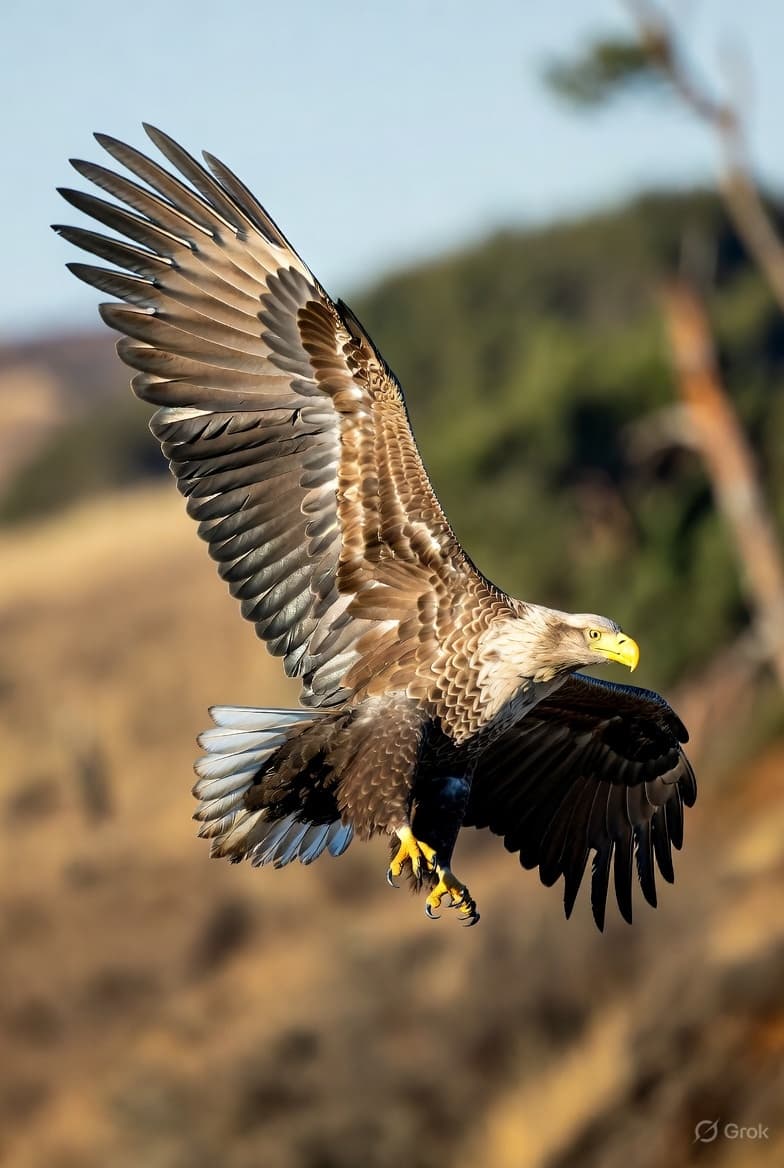
5. Wildlife or nature photo
This is a wildlife/nature photograph.
Preserve: original animal, its position, and natural habitat background.
Enhance: sharpen fur/feathers/scales to individual-strand detail, improve foliage and sky clarity, boost natural color saturation without oversaturation.
Output: 4K ultra HD, tack sharp throughout, extreme micro-detail, National Geographic wildlife photography quality, photorealistic. Shot on Canon EOS R3 with 600mm telephoto lens.
6. Group photo clarity
This is a group photograph.
Preserve: every person's identity, position, and the overall scene composition.
Enhance: sharpen every face in the frame, recover slightly out-of-focus subjects, reduce motion blur, correct uneven lighting across the group.
Output: 4K ultra HD, tack sharp throughout, every face sharp and well-lit, professional event photography quality, natural skin tones.
7. Architectural photo upscale
This is an architectural photograph.
Preserve: original building, its proportions, and the scene composition including sky.
Enhance: sharpen structural details (brickwork, window frames, decorative elements), correct lens distortion, improve sky clarity and dynamic range, enhance material textures.
Output: 4K ultra HD, tack sharp throughout, extreme fine detail, architectural photography standard, perfect vertical lines. Shot on Phase One IQ4 with 28mm tilt-shift lens equivalent.
8. Low-light photo improvement
This is a low-light photograph.
Preserve: original ambient light, mood, and color temperature — do not over-brighten.
Enhance: reduce grain and digital noise throughout, bring out shadow detail, improve sharpness while maintaining the atmospheric quality of the original lighting.
Output: 4K ultra HD, noise-free, natural lighting preserved, cinematic clarity, deep shadows with visible detail, RAW photography quality.
What to drop: 2024 techniques that no longer work well
| Old technique | Why it's weaker in 2026 | What to use instead |
|---|---|---|
| Single-sentence everything prompt | Current models parse layered blocks more accurately | Use the three-block structure above |
highly detailed alone | Insufficient for micro-texture in v7+ models | Replace with extreme fine detail |
| No preservation instruction | Models now more likely to reinterpret scene | Always include explicit preserve clause |
| Generic quality phrase only | Produces generic AI look, not photorealistic | Stack 5+ specific quality keywords |
| No camera reference | Missed realism boost in Midjourney v7 / Flux | Add shot on [camera model] |
Best generative AI prompts for image restoration and 8K upscaling
For restoration tasks specifically, the 2026 formula follows the same structure but emphasizes reconstruction over enhancement:
This is a [damaged / blurry / low-resolution / old] photograph.
Preserve: original subject identity, composition, era, and scene — restore, do not reimagine.
Reconstruct: lost detail, damaged areas, facial features, and fine textures using photorealistic restoration.
Improve: sharpness, noise, color fidelity, and artifact removal.
Output: [4K / 8K] ultra HD, tack sharp throughout, photorealistic, expert photo restoration quality, true-to-original color grading.
For 8K restoration (large-format output or extreme cropping), add to the output line: 8K ultra HD, ultra-high resolution, extreme fine detail, professional archival restoration quality.
For dedicated pixel upscaling of the final output, pair with Topaz Photo AI — it produces the highest resolution increase with the least hallucination.
How to use these with Stable Diffusion, Midjourney, and Flux
The 2026 formula above is written for DALL-E 3 via ChatGPT but translates well:
Midjourney v7: Use the output stack directly as your prompt suffix. Add --style raw for maximum photorealism and --q 2 for the highest quality setting. Camera and lens references have measurably more impact in v7 than earlier versions.
Stable Diffusion (SDXL / Flux): Use the output stack as your positive prompt. For actual resolution increase, run through the SD Ultimate Upscale script or ESRGAN post-processing. See also: Stable Diffusion upscaling prompt keywords for pixel restoration.
Flux 1.1 Pro: The three-block structure works directly. Flux's native resolution support means the 8K output stack produces noticeably higher actual detail than in earlier models.
Related resources
- 10 ChatGPT 4K Photo Enhancement Prompts — The core enhancement guide with photo-type-specific templates
- ChatGPT 4K Image Prompts: 40+ Tested Templates — For generating new 4K images from scratch
- ChatGPT 8K Ultra HD Prompts — Push quality to the absolute maximum
- Technical Prompt Keywords for 8K Upscaling — The full keyword reference for high-fidelity results
- Stable Diffusion Upscaling Prompt Keywords — SD-specific upscale techniques