
ChatGPT Photo Enhancer
The exact prompt that turns a soft, noisy photo into a sharp one — more detail, less noise, better color. Copy it, paste it into ChatGPT with your photo attached, and you get the same result with no limits.
# The enhancement prompt
Attach your photo in ChatGPT, paste this, and send. It works in ChatGPT, Gemini and any image model that accepts an input photo.
Enhance this photo to 4K ultra-high resolution. Preserve the original subject, composition, and identity exactly. Sharpen fine detail throughout, reduce noise and compression artifacts, and improve color accuracy. Output: photorealistic, tack sharp, 4K ultra HD, professional RAW photography look.
# Example results
A few enhancements from real photos, with the exact prompt used for each.
Drag the divider (or use the slider) — left shows before, right shows after.
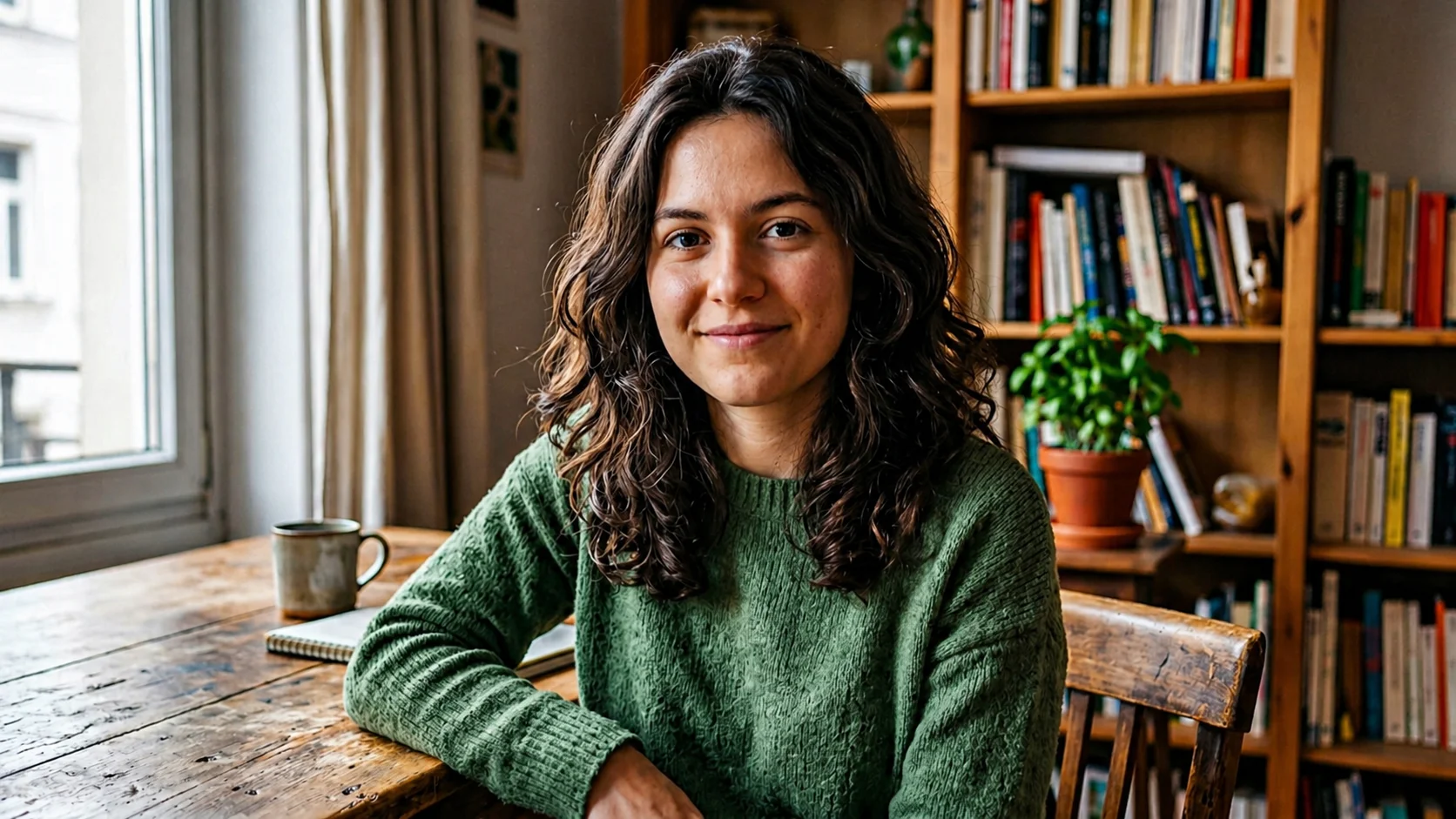
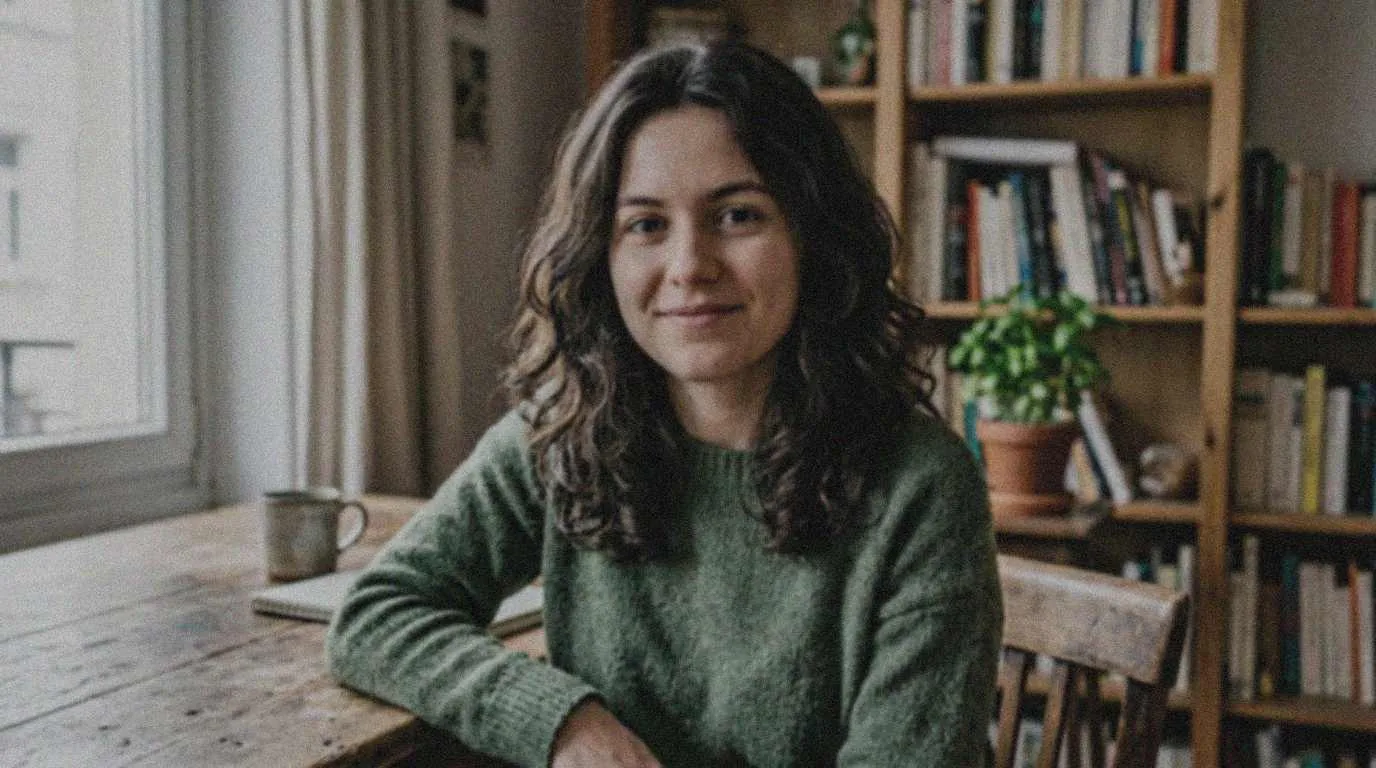
Enhance this portrait photograph to 4K ultra-high resolution. Preserve the subject's natural facial features and skin tones while improving clarity, sharpening fine details like hair texture and eye definition, and reducing noise. Output: photorealistic, 4K resolution, tack sharp, professional studio quality, true-to-life color grading, no artificial smoothing.
Drag the divider (or use the slider) — left shows before, right shows after.
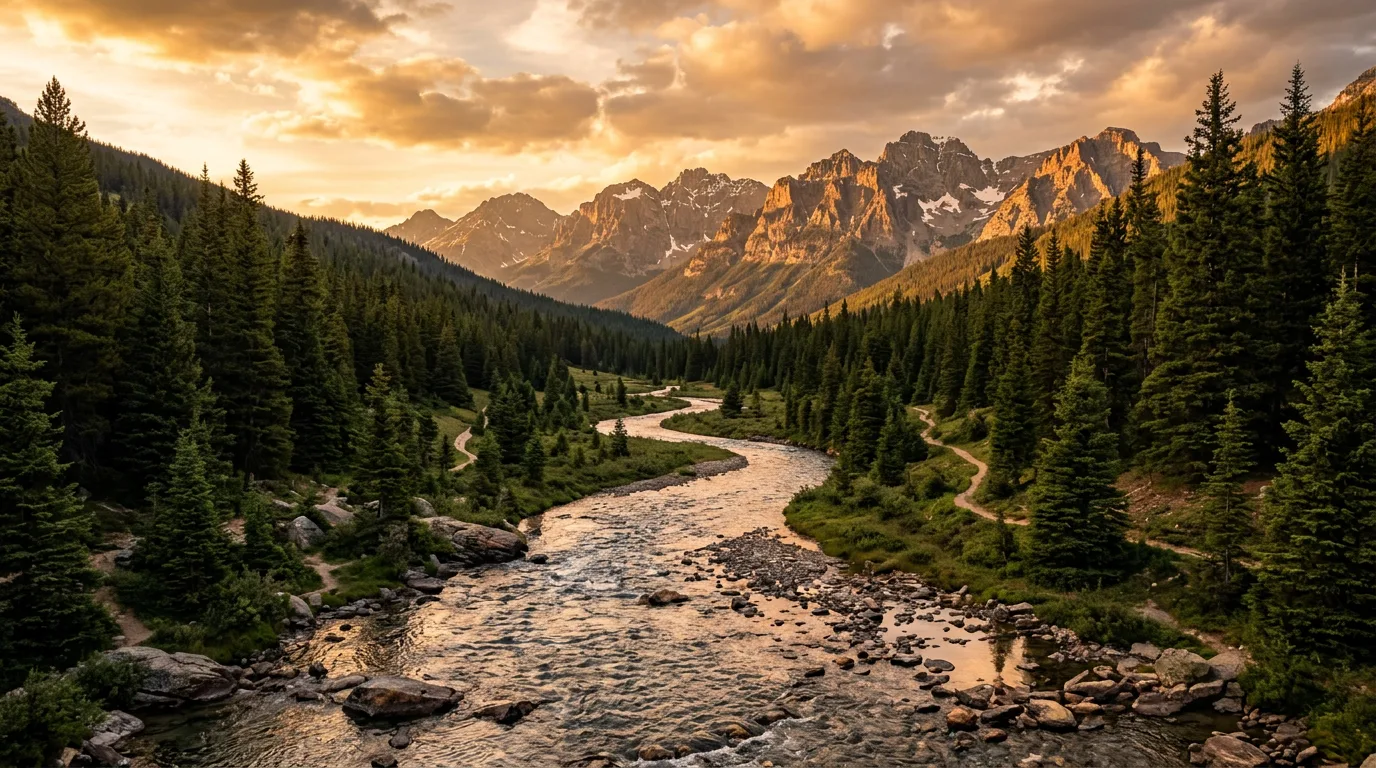
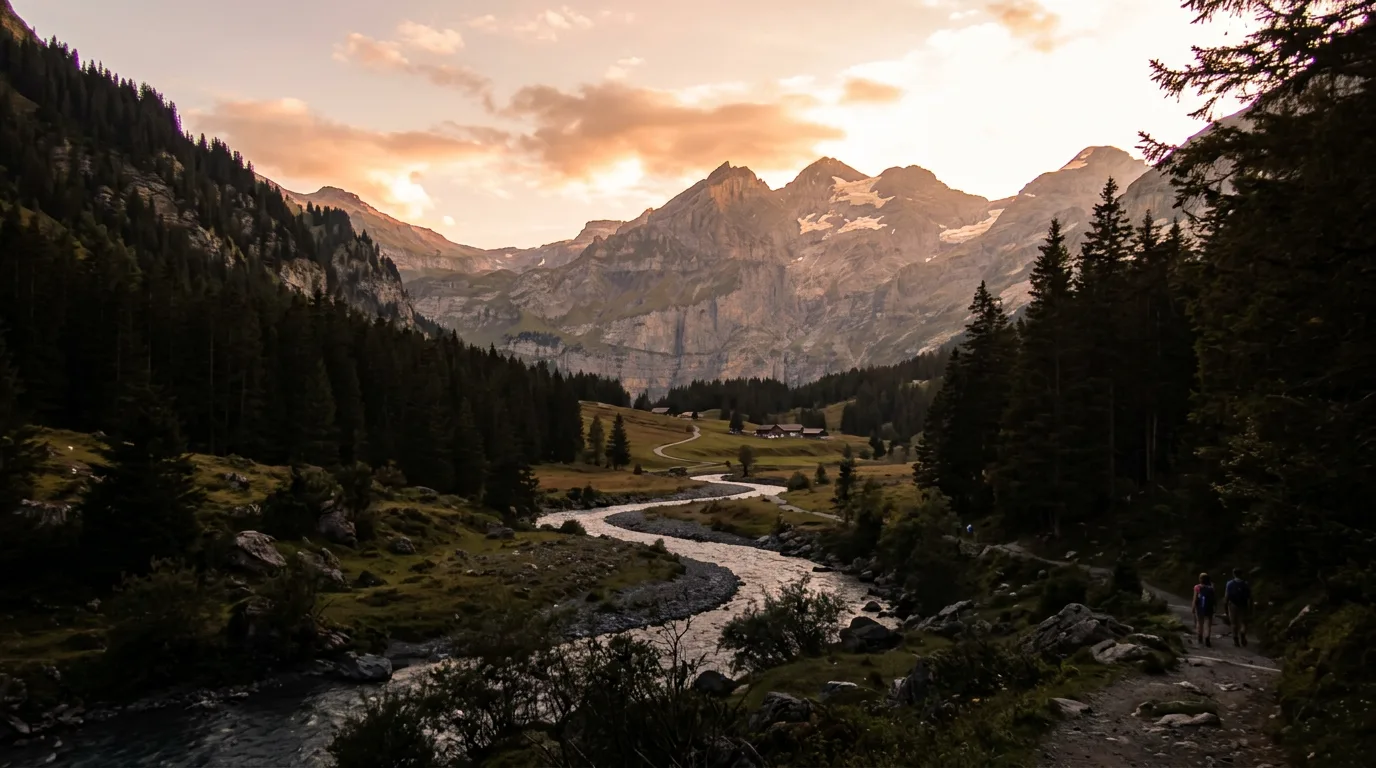
Upscale and enhance this landscape photograph to 4K quality. Bring out fine details in the foreground — grass blades, rock texture, water ripples — and sharpen the mid-ground and background elements. Improve dynamic range so shadows and highlights are both visible. Output: 4K ultra HD, cinematic clarity, RAW photography look, rich color depth, sharp throughout.
Drag the divider (or use the slider) — left shows before, right shows after.
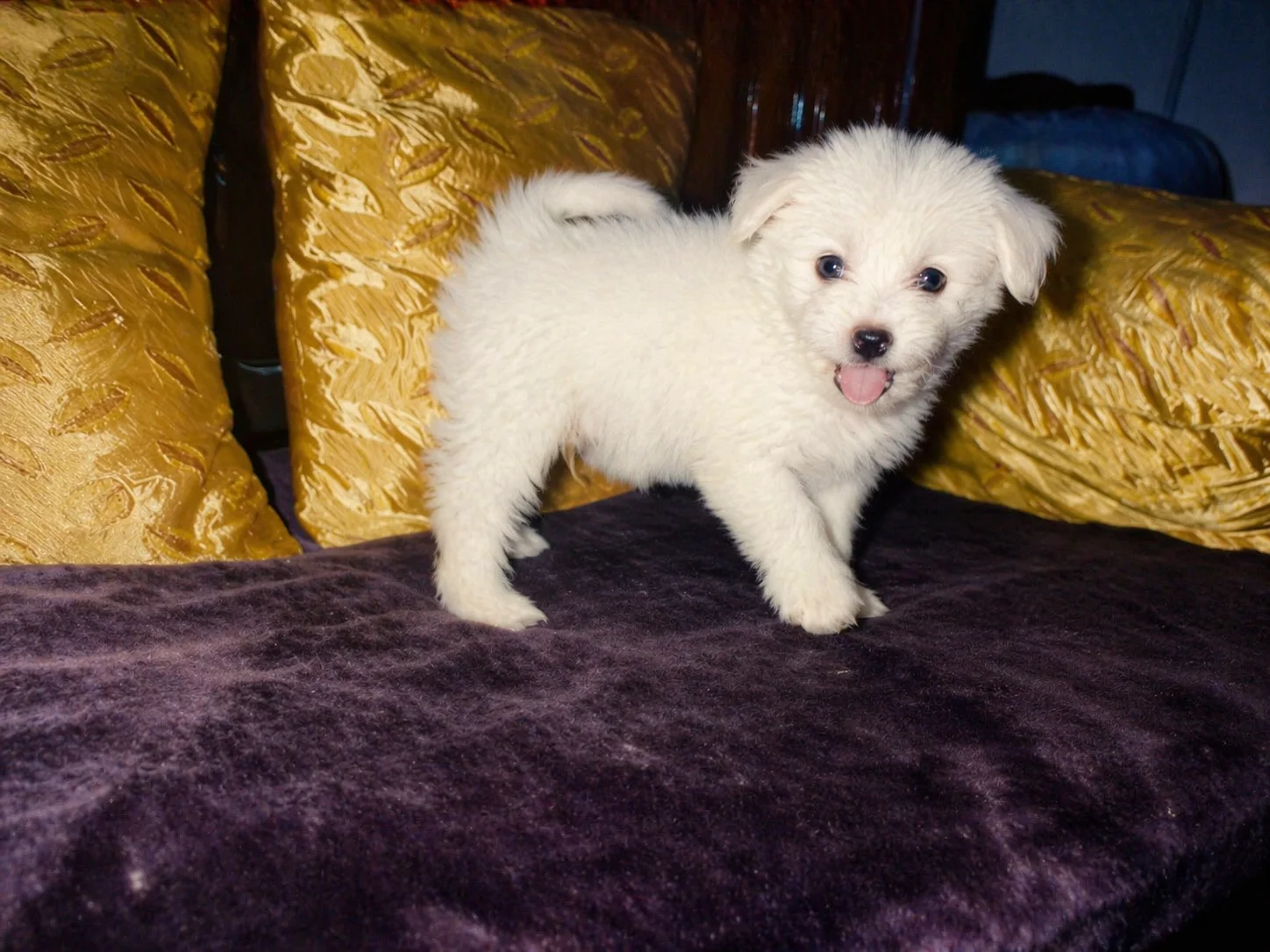
Restore and upscale this old photograph toward 4K ultra HD. Repair scratches, dust, and fading where plausible; preserve era-appropriate color and facial identity. Rebuild fine detail in fabric and hair without inventing new people or objects. Output: photorealistic restoration, sharp focus, print-ready clarity, gentle grain reduction.
# Want more control?
This tool uses one general-purpose enhancement prompt. For photo-type-specific results — portraits, landscapes, low-light shots, old photo restoration, and more — see the full ChatGPT 4K photo enhancement prompts guide with 10 copy-paste templates you can run directly in ChatGPT.
# Frequently asked questions
Q1.How do I enhance a photo with ChatGPT?
A.Attach the photo to a ChatGPT message and send it with an enhancement prompt — the one on this page works for most photos. Ask explicitly for the original subject, composition and identity to be preserved, otherwise the model treats it as a creative brief and quietly redraws things. Being specific about what you want sharpened matters more than the length of the prompt.
Q2.Does this increase the actual resolution of my photo?
A.No. The model re-renders your photo rather than upscaling the pixel count of the original file. It sharpens detail, reduces noise and improves color, but for true pixel upscaling — a genuinely larger output file — pair the result with a dedicated upscaler like Topaz Photo AI or Magnific. The full ChatGPT 4K photo enhancement guide covers that distinction and 10 more copy-paste templates.
Q3.Will it change my face or the people in my photo?
A.It can, which is why the prompt states identity preservation explicitly. Even then results occasionally vary, because the model is generating a new image rather than editing pixels. If a face comes back wrong, regenerate, or use the targeted templates in the full guide — they give you far more control than a single general-purpose prompt.
Q4.Is it free?
A.The prompt is free and there is no limit on how often you use it. Image generation itself is available on the free ChatGPT tier, though it is rate-limited there, so you may be asked to wait between images.
Q5.What kind of photo does this work best on?
A.Photos that are soft, noisy, slightly underexposed or heavily compressed — the sort of thing a phone produces in low light, or an old image that has been resaved many times. It will not rescue a photo that is badly out of focus or motion-blurred, because the detail it would need to sharpen was never captured.