
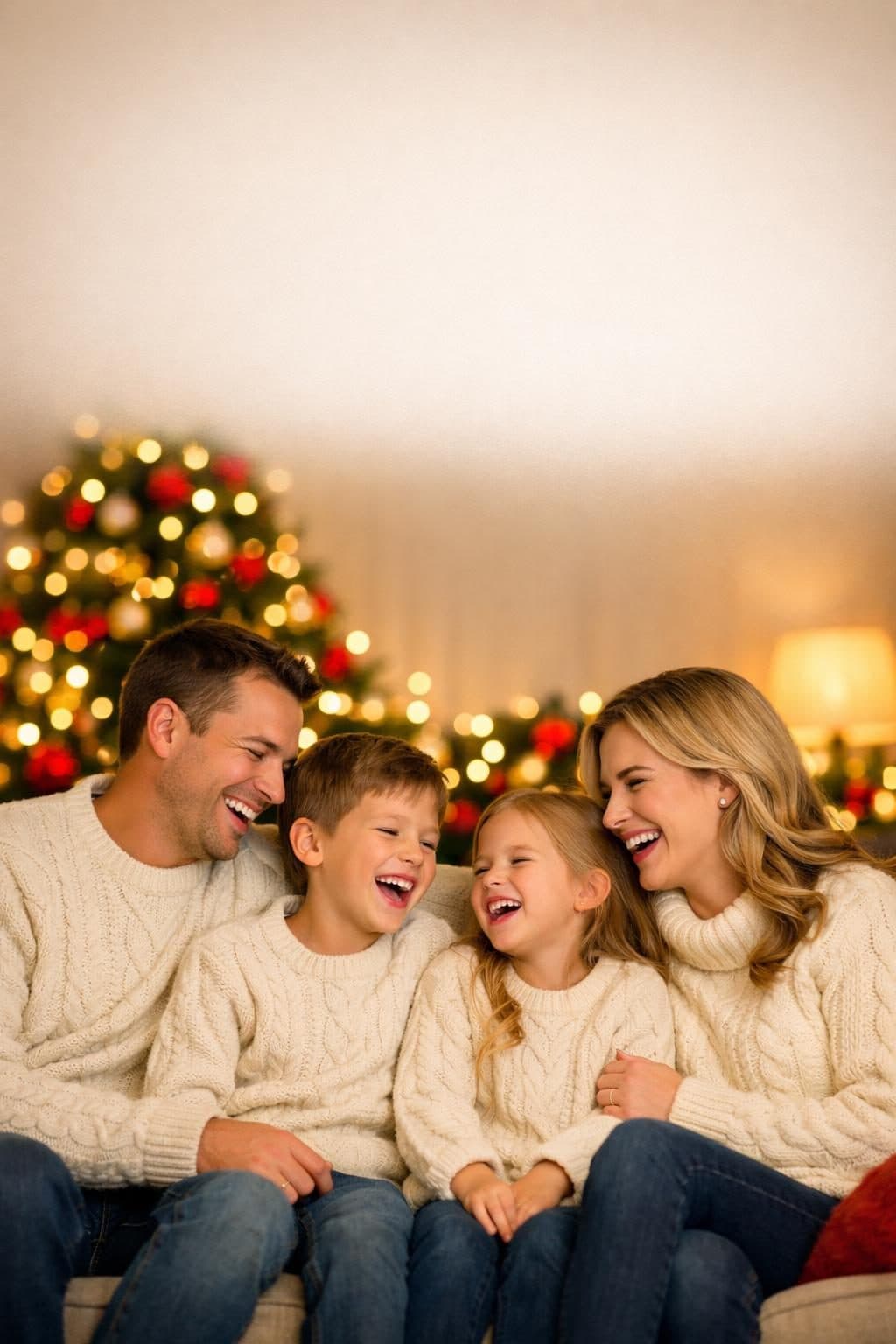
Christmas photo content has a narrow, predictable window — search demand climbs through October, peaks in late November and December, then falls off fast. Getting AI-generated Christmas imagery right, and getting it published before that window closes, matters more here than for almost any other prompt category on this site.
These 5 templates cover the actual use cases people search for: a printable greeting card, a full family portrait, a Santa Claus photo, a decorated home scene for wallpapers or blog headers, and a cozy individual portrait — each built with the specific lighting and composition language that separates a convincing result from an obviously synthetic one.
Why Generic "Festive" Prompts Produce Fake-Looking Results
The most common mistake: asking for "bright, colorful, festive" imagery. Real Christmas photography is warm but restrained — soft lamp glow, string-light bokeh, gently desaturated tones — not saturated neon. Three things consistently separate a convincing result from a plastic-looking one:
- Name the light source, not the mood. "Warm string-light bokeh and soft golden lamp light" produces a specific, real-feeling image. "Festive holiday lighting" produces a generic one.
- Leave room for texture. Chunky knit sweaters, individually-resolved pine needles, natural skin texture — specify these explicitly, since AI models default to a smoothed, slightly plastic look unless told otherwise.
- Compose for the actual use. A greeting card needs negative space for text. A wallpaper needs a wider aspect ratio. Say so in the prompt rather than cropping after the fact.
5 AI Christmas Photo Templates
1. Christmas Card Photo Generator
Built specifically for printing — includes deliberate negative space for a greeting, so the result works as an actual card rather than just a nice photo.
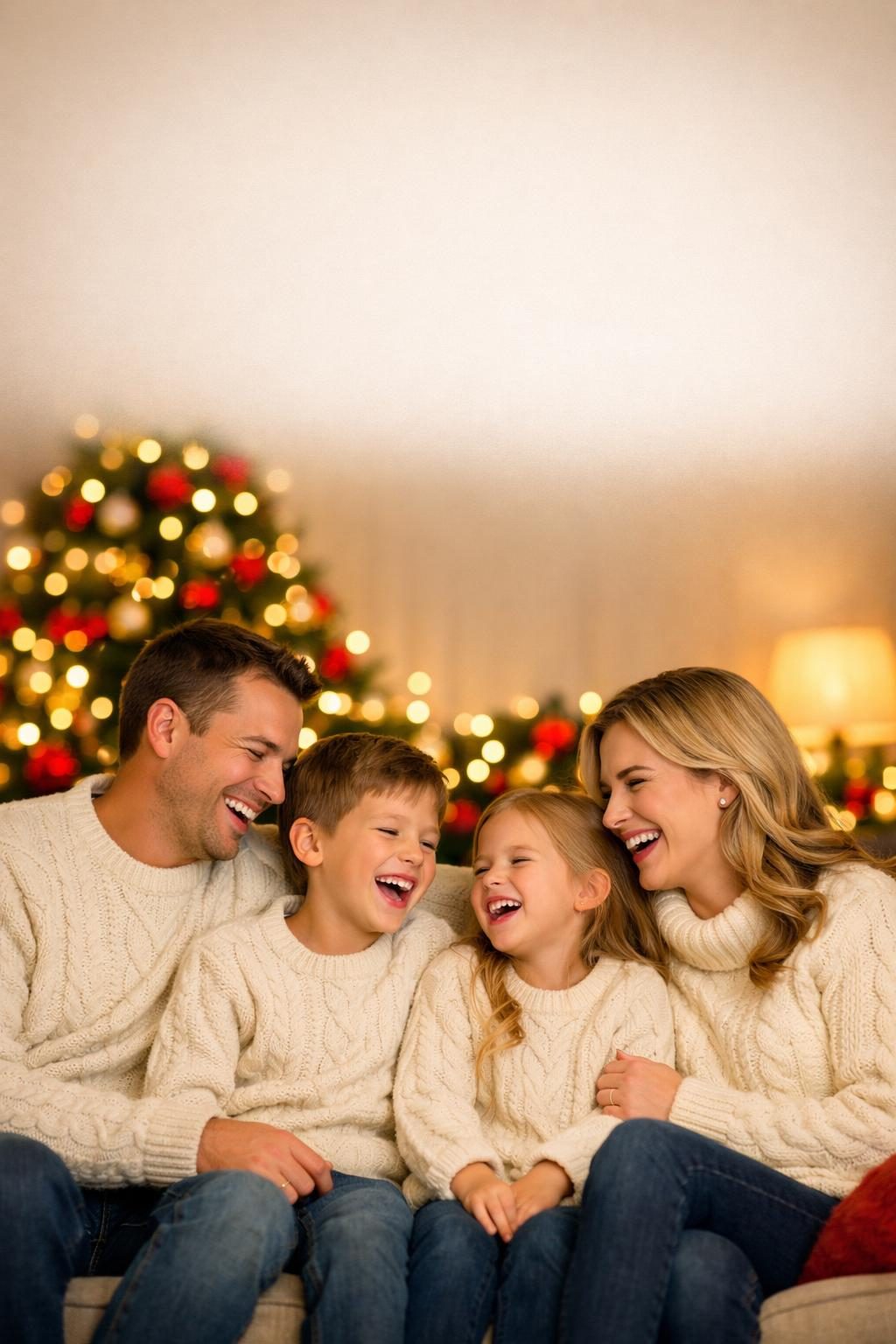
Try the Christmas Card Photo Generator free →
2. Christmas Family Portrait
A fuller, more candid group portrait than a formal card photo — built for a natural, mid-laugh moment in front of the tree rather than a stiff pose.
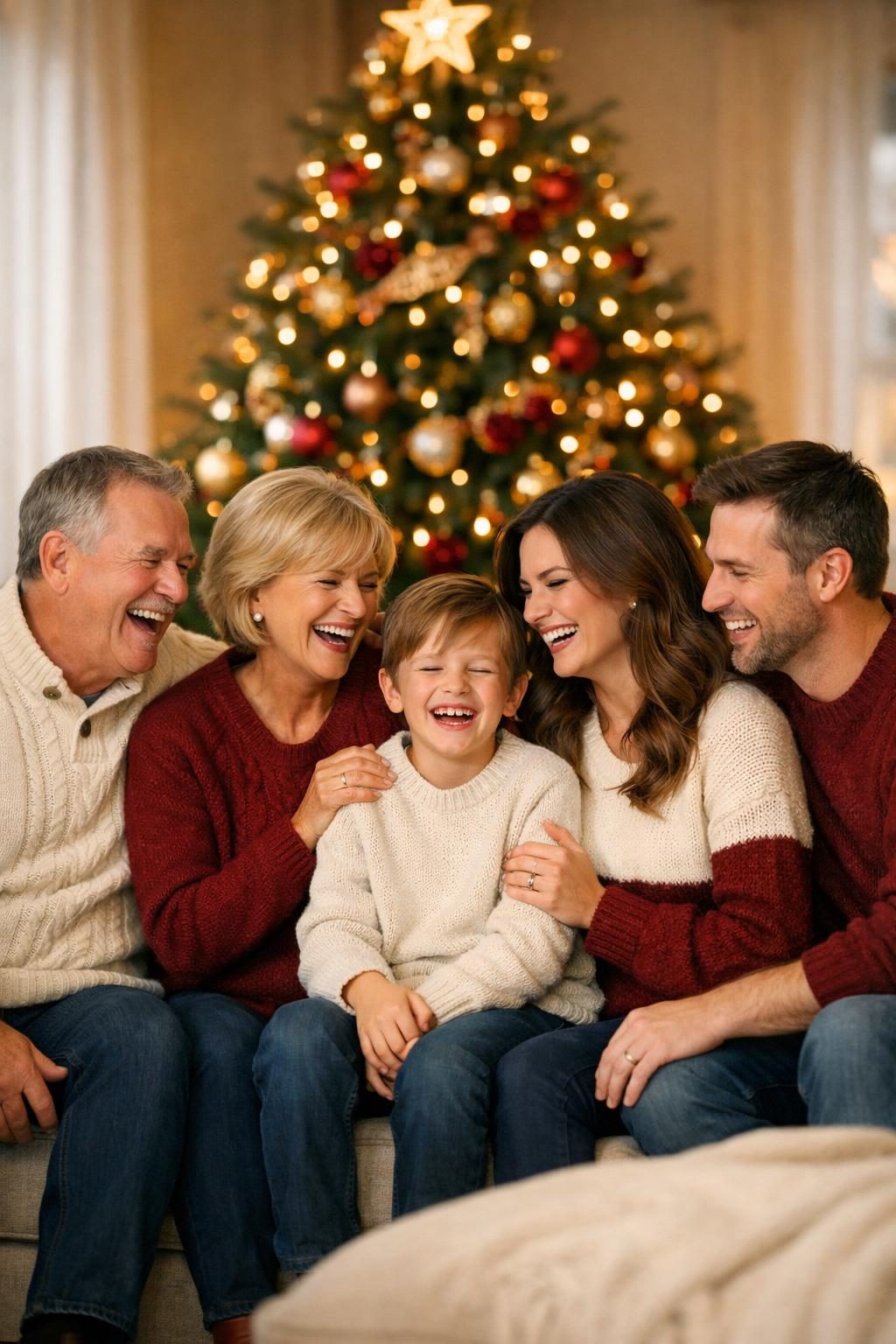
Try the Christmas Family Portrait Generator free →
3. AI Santa Photo Generator
The trickiest of the five — Santa photos fail fast into uncanny territory without specific facial and lighting detail. Naming exact beard, cheek, and eye details, plus warm ambient (not flash) lighting, is what keeps this one convincing.
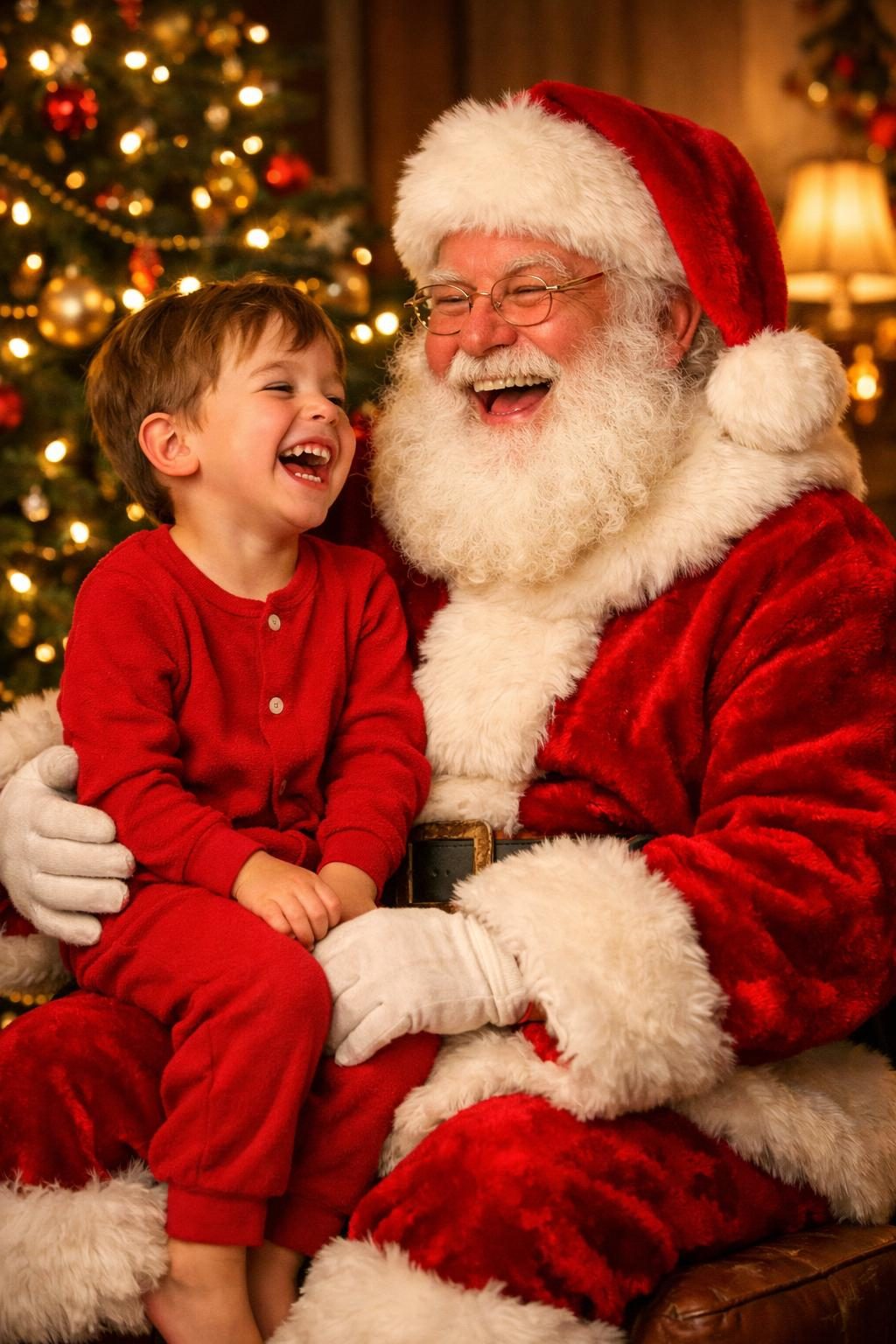
Try the AI Santa Photo Generator free →
4. Christmas Home Scene Photo
No people — a decorated interior built for blog headers, wallpapers, and mood boards. Wide-angle framing keeps the whole scene in focus rather than isolating one corner.
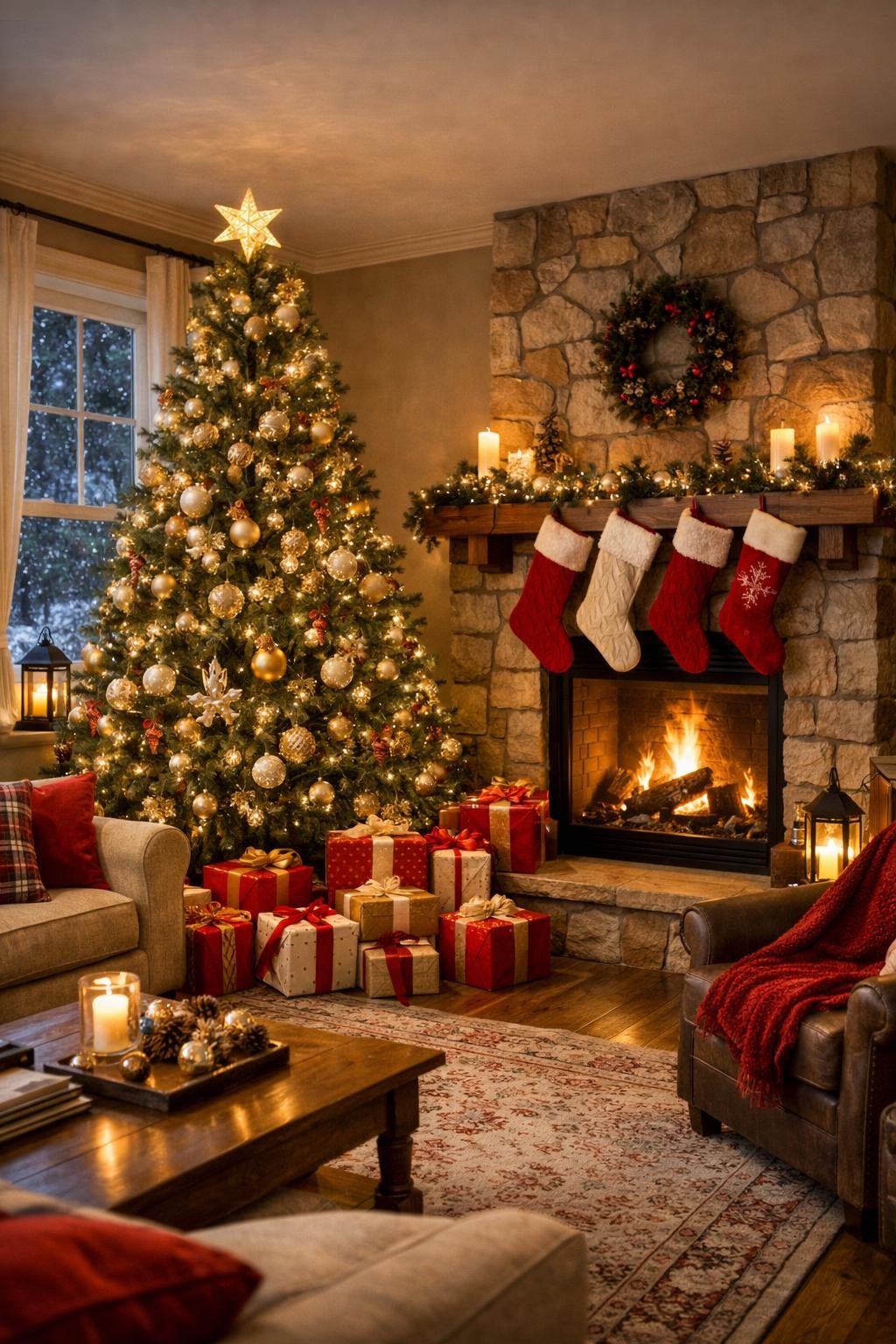
Try the Christmas Home Scene Generator free →
5. Cozy Christmas Portrait
An individual portrait with the string-light-bokeh look that's become the signature of cozy holiday photography — one subject, shallow depth of field, warm color temperature throughout.

Try the Cozy Christmas Portrait Generator free →
Timing Note
Christmas is the most deadline-sensitive category on this site. If you're generating imagery for a shop, blog, or social presence, aim to have it ready by early-to-mid November — search and social demand is already climbing well before the holiday itself, and content published after the peak has already passed largely misses the window entirely.
Related Resources
- Halloween & Christmas Wallpaper Prompts — six templates across every major holiday, including a general Christmas scene template
- Nano Banana Prompts: Complete Gemini Image Guide — for keeping a family's likeness consistent across multiple holiday photo variations
- ChatGPT Portrait Photography Prompts — the lighting and lens fundamentals behind the cozy portrait template
- Browse all prompt templates — see every template on the site in one place