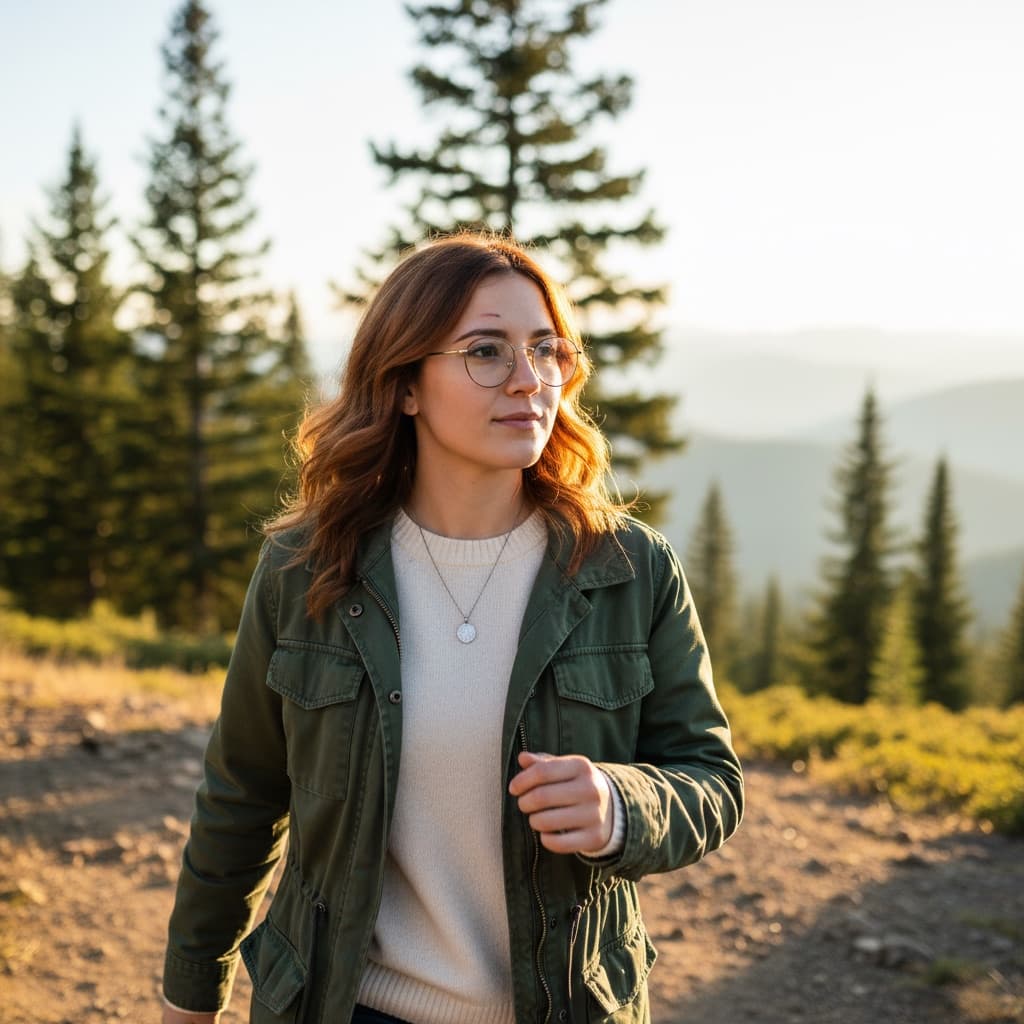
"Nano Banana" is the nickname that stuck for Google's Gemini 2.5 Flash Image model — and once you understand what it's actually good at, it's clear why people needed a shorthand for it. Most AI image generators are diffusion models: give them a prompt, and they build an image out of noise, which makes it genuinely hard to keep a face consistent between two separate generations, or to get a sign to say exactly the right words. Nano Banana was built differently, and it shows in exactly those two places — plus a third: making one precise, surgical edit to an image without disturbing anything else in the frame.
This guide covers what actually makes Nano Banana different, then gives you 5 ready-to-use prompts built around its specific strengths — not generic image prompts that happen to work on it, but prompts written for what this model does better than almost anything else.
What Makes Nano Banana Different
Three capabilities separate it from the typical text-to-image workflow:
1. Character consistency across generations. Ask most models to generate "the same character" in a second scene, and you'll get a different-looking person with the same rough description. Nano Banana holds identity far more reliably when you give it a complete, specific character description to reuse.
2. Legible, accurate text rendering. Signs, product labels, book covers, UI mockups — anywhere text needs to actually be readable and correctly spelled inside the image. This is a famously weak spot for diffusion models; it's a comparative strength here.
3. Precise, localized edits. Change one specific detail — the color of a jacket, the expression on a face, the object in someone's hand — while preserving everything else about the composition exactly as it was. Vague edit instructions get reinterpreted broadly; specific ones get followed narrowly.
The common thread: Nano Banana rewards specificity. Vague prompts get you a competent generic image. Exhaustively detailed prompts get you exactly what you described — which is the opposite of how some other models behave, where over-specifying can confuse the output.
5 Nano Banana Prompt Templates
1. Character Consistency
The single most-requested Nano Banana use case: a character who needs to look the same across multiple images — a comic panel, a brand mascot, a story illustration series.
The technique: write one exhaustive character description covering hair (color, texture, length), eyes, skin tone, distinguishing features, and exact clothing — then reuse that identical block of text, unchanged, at the start of every prompt for that character. Only the scene, pose, and action should vary between generations.
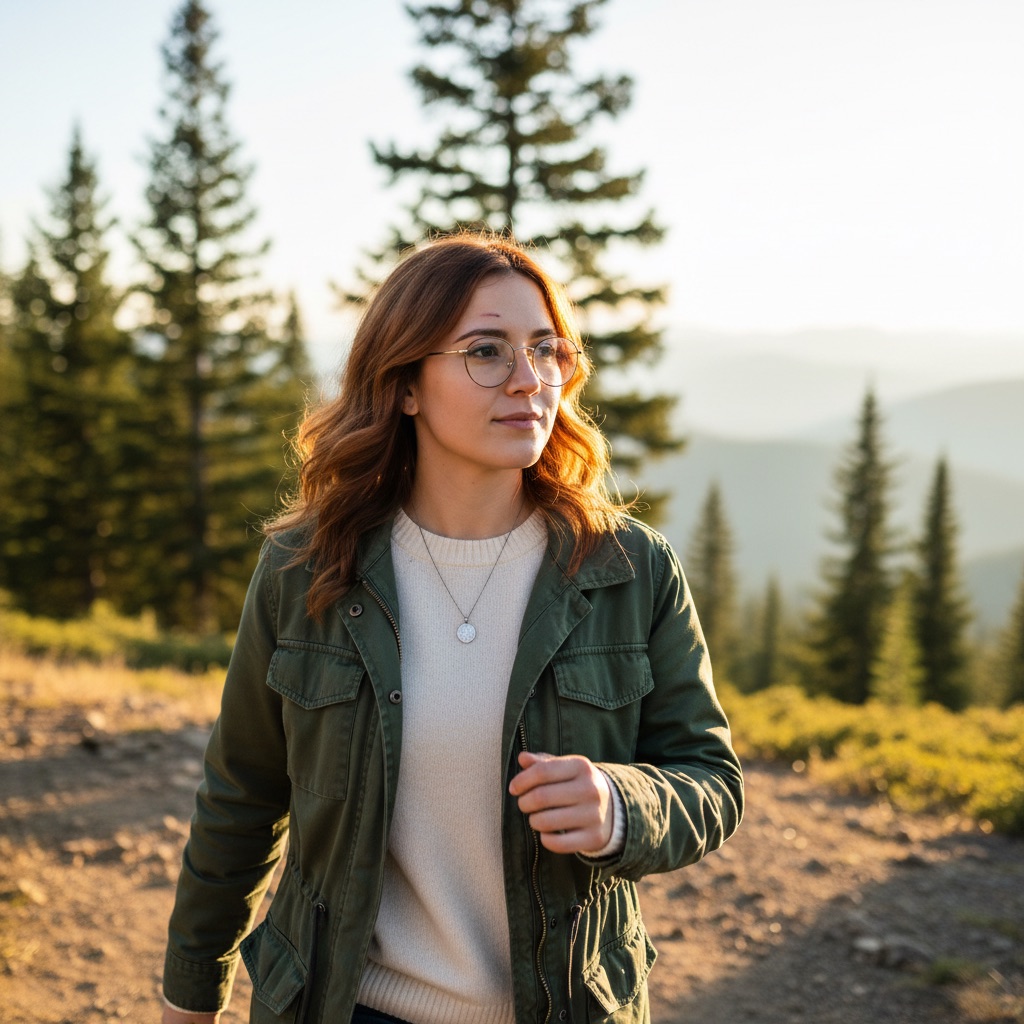
Try the Character Consistency Generator free →
2. Legible Text in Image
For anything where the words in the image actually matter — a café sign, a book cover, a product label, a t-shirt design.
The technique: put the exact text in quotation marks, name the surface it sits on, and describe the typography — font style, weight, color, size relative to the surface. The more precisely you describe the text as an object (not just "add text that says X"), the more reliably it renders correctly.
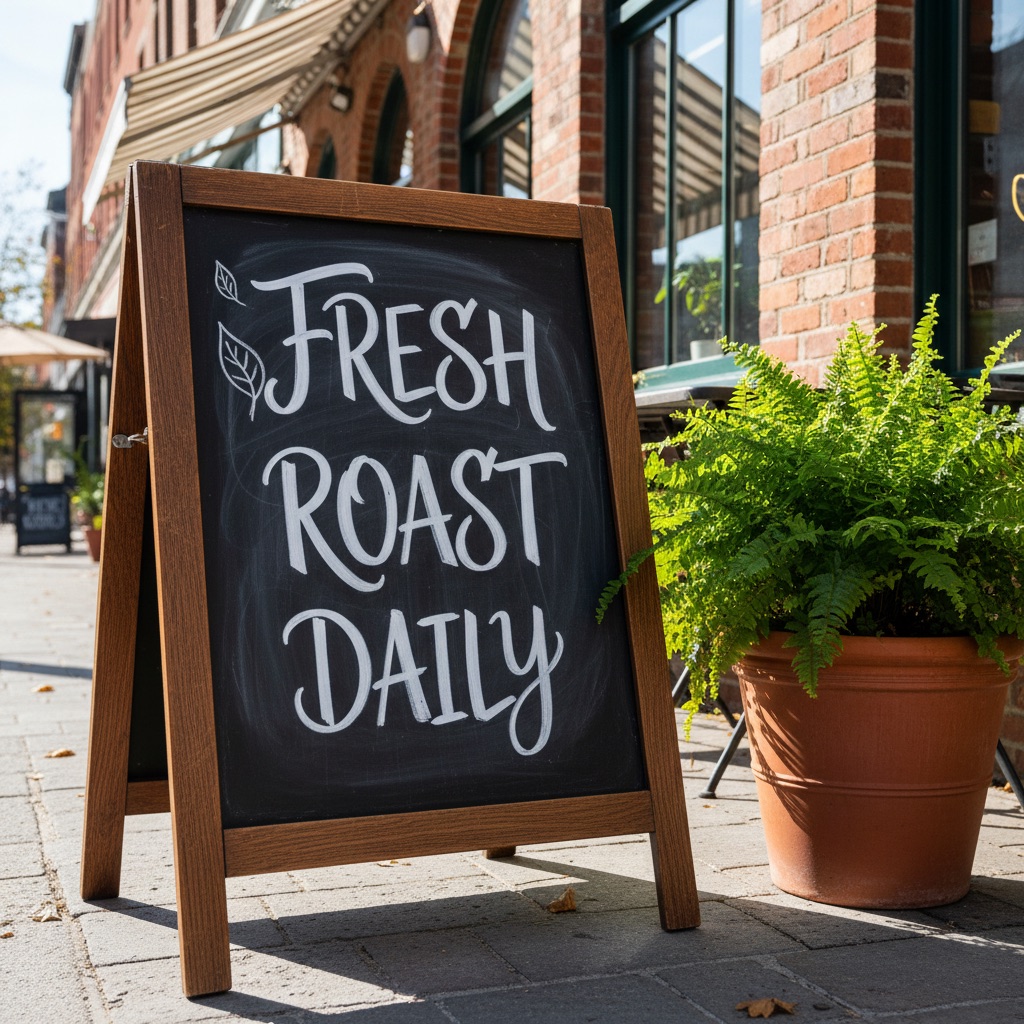
Try the Legible Text-in-Image Generator free →
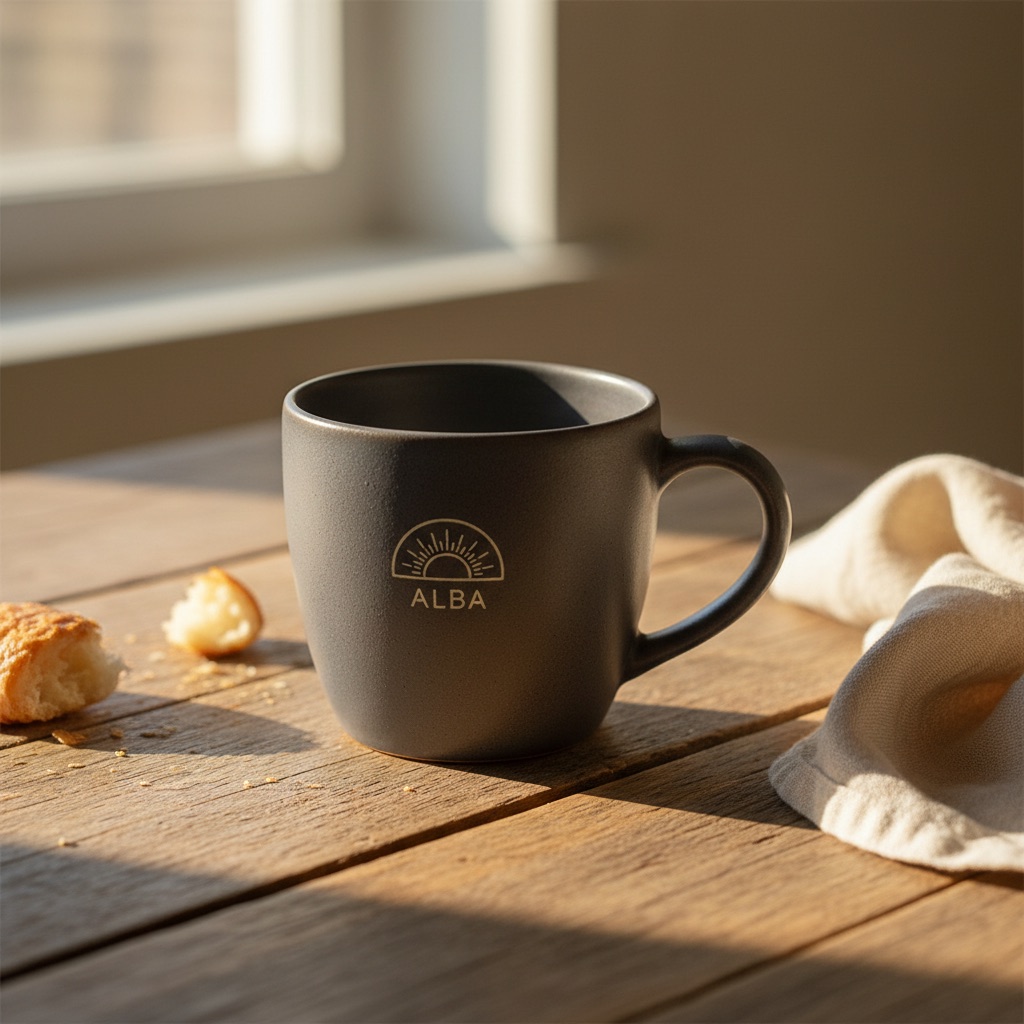
3. Product-in-Scene Placement
Placing a specific product naturally into a real-world scene — for product mockups, marketing images, or e-commerce lifestyle shots — without the product's proportions or label drifting.
The technique: describe the product's exact form factor, materials, and any label text first, as its own detailed block, then describe the scene it sits in separately. Keeping the product description and the environment description as two distinct, detailed parts of the prompt helps the model preserve product accuracy while still grounding it convincingly in the scene.
Try the Product-in-Scene Generator free →
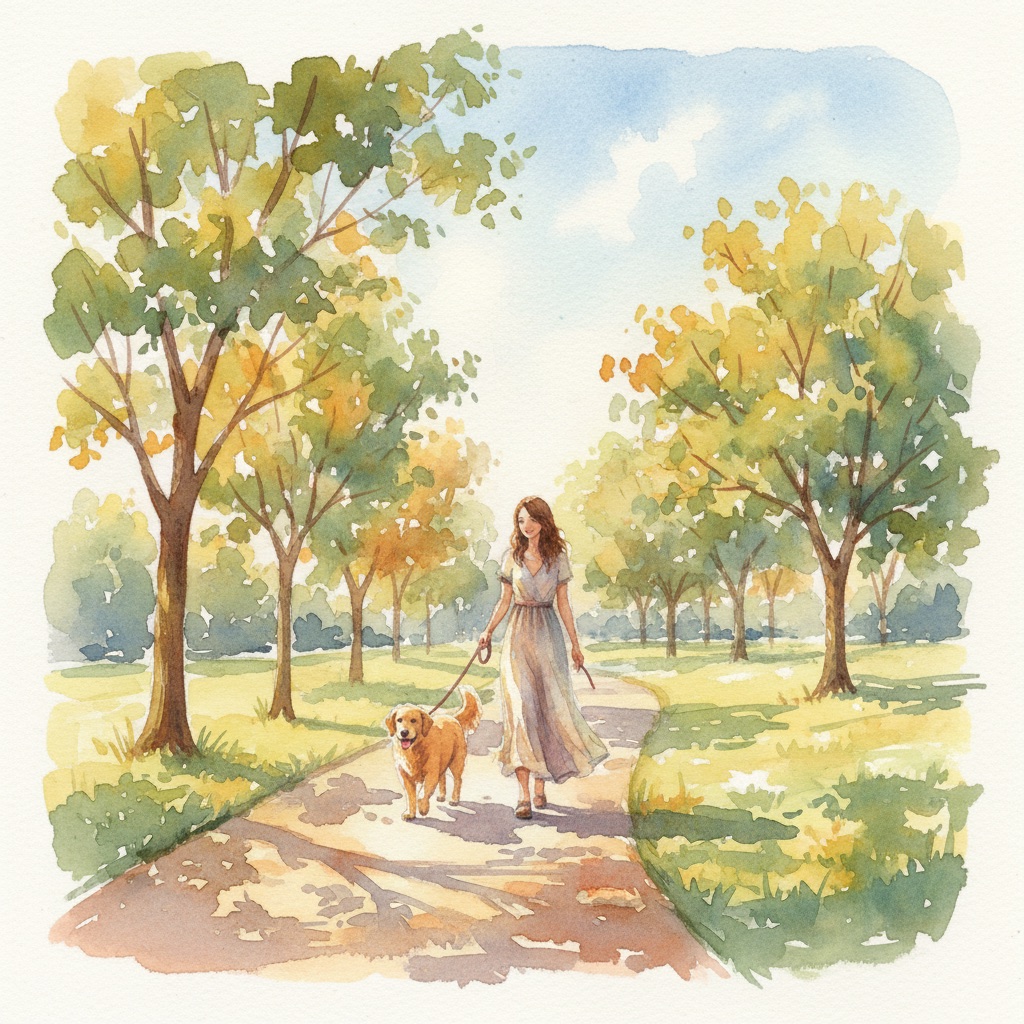
4. Style Transfer
Taking a photorealistic subject and rendering it in a distinct art style — watercolor, anime, oil painting — while keeping the exact composition, pose, and identity intact.
The technique: describe the subject and composition first in full photographic detail (as if it already exists), then specify the target style as a separate, clearly-labeled instruction. Explicitly state that composition and identity should be preserved — Nano Banana's precision means it will actually honor that constraint rather than treating the style change as a license to reinterpret the whole image.
Try the Style Transfer Generator free →
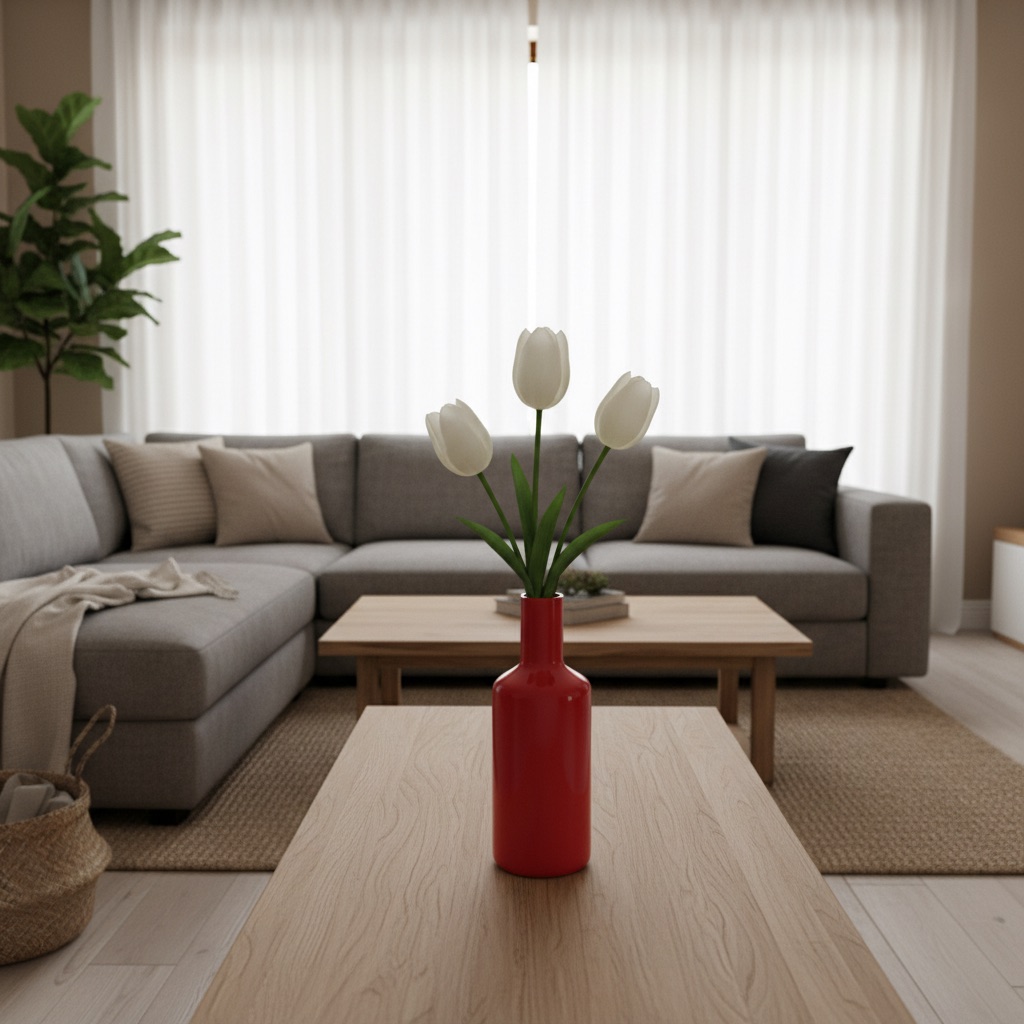
5. Precise Detail Control
The purest test of localized editing: change exactly one specific detail in a scene and leave everything else untouched — swap a color, an object, or a single feature without regenerating the whole composition around it.
The technique: describe the full scene in detail as the baseline, then isolate the one change you want as a single, unambiguous instruction — not buried in a paragraph of other adjectives. The narrower and more isolated the instruction, the more surgically it gets applied.
Try the Precise Detail Control Generator free →
Prompt-Writing Principles for Nano Banana
A few patterns hold across all five use cases above, worth internalizing rather than just copying templates:
- Front-load the fixed elements. Whatever needs to stay consistent — a character, a product, a composition — describe it fully before describing what's supposed to change.
- Isolate the variable. When you want one thing to change, state it as its own clear instruction rather than folding it into a longer descriptive paragraph where it can get lost or reinterpreted.
- Specificity beats brevity. Where other models can get confused by an overloaded prompt, Nano Banana tends to reward exhaustive, literal description — exact colors, exact wording in quotes, exact materials.
- Reuse text verbatim for consistency. If you're generating a series (a character across scenes, a product across angles), copy-paste the fixed description block unchanged each time rather than paraphrasing it — small wording drift between prompts is one of the more common causes of visual drift in the output.
Where Nano Banana Fits Alongside ChatGPT
If you're coming from ChatGPT's image generation, the two aren't competitors so much as different tools for different jobs. ChatGPT (via DALL-E) is a strong general-purpose generator with broad style range — see our 4K image prompting guide for that side of things. Nano Banana's edge is specifically in consistency and precision: the same character twice, the same product correctly labeled, one exact change applied without collateral drift. If your task is "generate something new and striking," reach for ChatGPT. If your task is "keep this exact thing consistent, or change exactly one part of it," Nano Banana is built for that.
Related Resources
- What Are Claude Skills? The Complete Beginner's Guide — package repeatable AI workflows, the same specificity principle applies to instructions as it does to prompts
- ChatGPT Image Prompts: 4K Quality Guide — general-purpose image prompting fundamentals
- AI Headshot Generator Prompts — another prompt cluster built around precise, controlled output
- Gemini Photo Editing Prompts — 15 copy-paste prompts for editing photos you already have
- Google Gemini AI Photo Editing Prompts to Copy and Paste — 30 paste-ready blocks
- Gemini Couple Photo Editing Prompts — two-person edits where both faces have to hold
- Nano Banana Prompts for Men — headshots, beards, hairstyles and formal wear
- Diwali and Navratri AI Photo Editing Prompts — festival portraits and diya lighting
- Browse all Nano Banana templates — see every prompt in this cluster in one place