
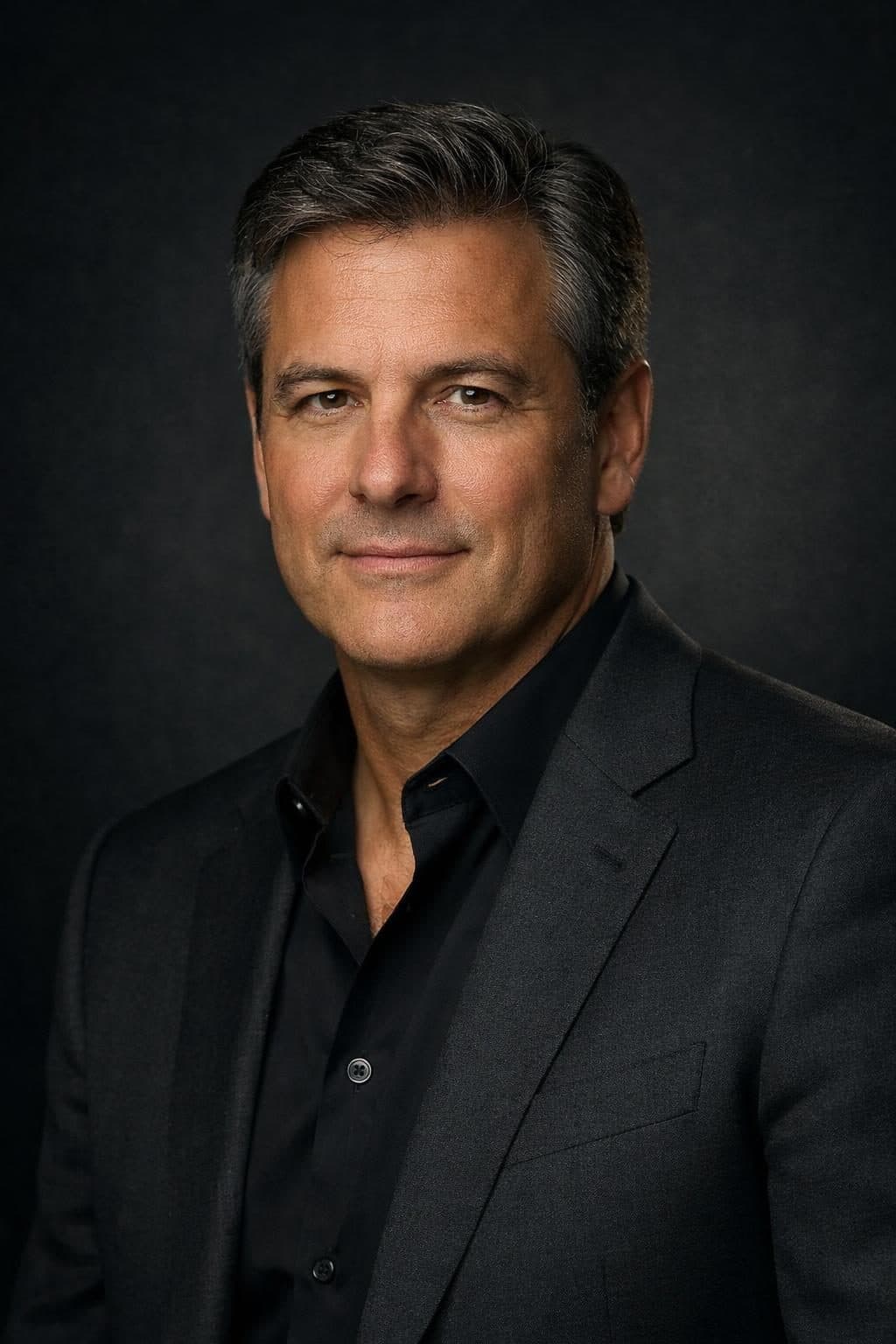
A good headshot used to mean booking a photographer, blocking out an afternoon, and paying $150-300 for a session. AI headshot generators promise to skip all of that — but most people's results look exactly like what they are: obviously synthetic, oddly smoothed, or generically "AI-ish" in a way that undercuts the professionalism they're going for. The gap isn't the technology. It's the prompt.
A vague prompt like "professional headshot of me" gives the model nothing to anchor a realistic result to — no lighting setup, no camera language, no background decision — so it falls back on a generic, slightly artificial default. A specific one, written the way a photography brief would be written, produces something that actually looks like it came from a camera. This guide covers 5 headshot styles for the situations people actually need one for, each built with the photographic vocabulary that makes the difference.
Why Most AI Headshots Look Fake
Before the templates, the four things that separate a convincing AI headshot from an obviously synthetic one:
- No lighting specification. "Good lighting" means nothing to an image model. "Softbox studio lighting at 45 degrees" or "golden hour natural light" gives it something concrete to render.
- No camera/lens language. Real headshots are shot on real lenses with real optical characteristics — mentioning a focal length (85mm is the portrait standard) and shallow depth of field pushes the output toward photographic realism instead of digital-illustration smoothness.
- Generic background instructions. "Nice background" produces mush. A specific background — solid charcoal grey, blurred modern office, real outdoor setting — grounds the image.
- No attire or context. What someone's wearing and where they appear to be says as much about professionalism as their face does. Specify it.
5 AI Headshot Prompt Templates
1. Corporate LinkedIn Headshot
The default choice for most professional profiles — a classic, safe, universally-appropriate headshot that works for almost any industry.
What makes it work: a blazer or business-appropriate top, a neutral solid background (grey or soft blue), and an expression described as confident but approachable rather than stiff — the difference between looking corporate and looking like a passport photo.

Try the Corporate LinkedIn Headshot Generator free →
2. Studio Executive Headshot
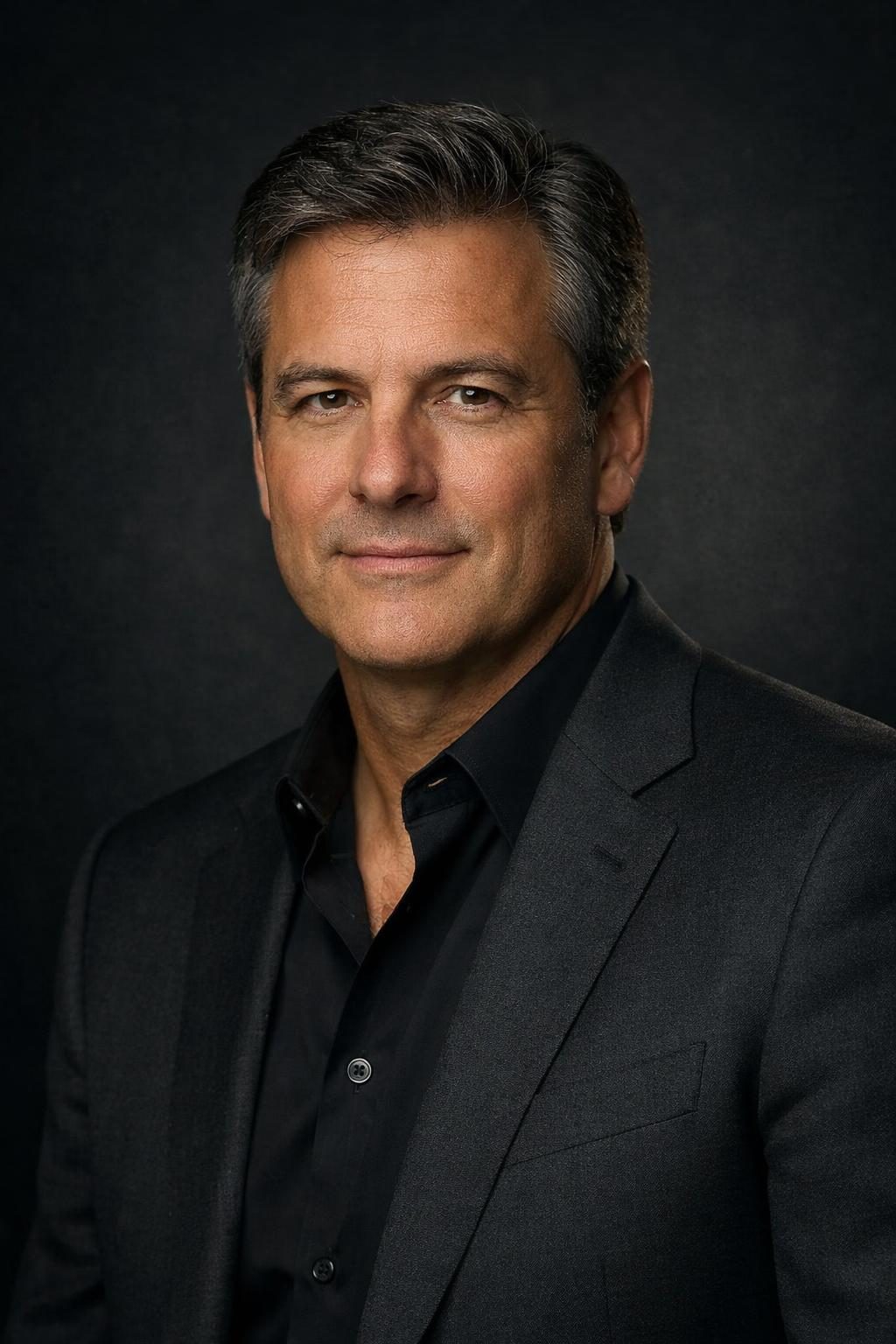
For leadership bios, board pages, and press materials — a more deliberate, high-end look than a standard LinkedIn photo.
What makes it work: directional Rembrandt-style lighting (named after the painter — one side of the face lit, a small triangle of light on the shadowed cheek) is what separates "executive portrait" from "office photo." Naming that specific lighting pattern in the prompt is doing most of the work here.
Try the Studio Executive Headshot Generator free →
3. Casual Professional Headshot
For startup team pages, "About Us" sections, and creative-adjacent tech roles where a full suit reads as overdressed.
What makes it work: smart-casual attire (a well-fitted sweater or open-collar shirt, no tie) paired with warmer, softer lighting than a corporate shot — the goal is approachable competence, not formality.

Try the Casual Professional Headshot Generator free →
4. Outdoor Environmental Headshot
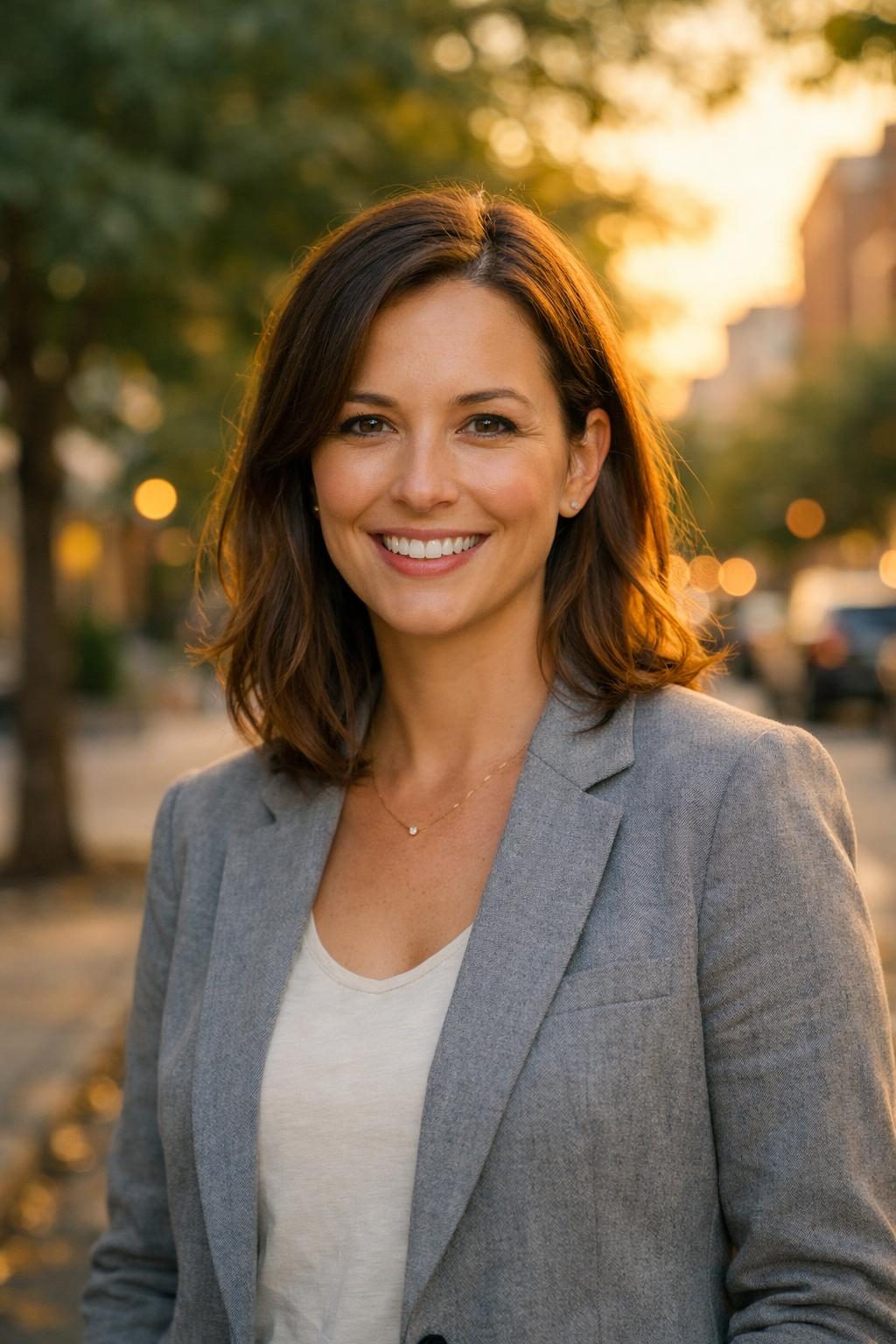
For people who want a headshot that feels less like a studio and more like an actual moment — real estate agents, consultants, coaches, and anyone whose brand benefits from feeling human and grounded rather than corporate.
What makes it work: genuine environmental context (a real outdoor or urban setting, softly blurred behind the subject) combined with natural light — specify the time of day (golden hour reads as warm and flattering) rather than leaving lighting to the model's default.
Try the Outdoor Environmental Headshot Generator free →
5. Creative Industry Headshot
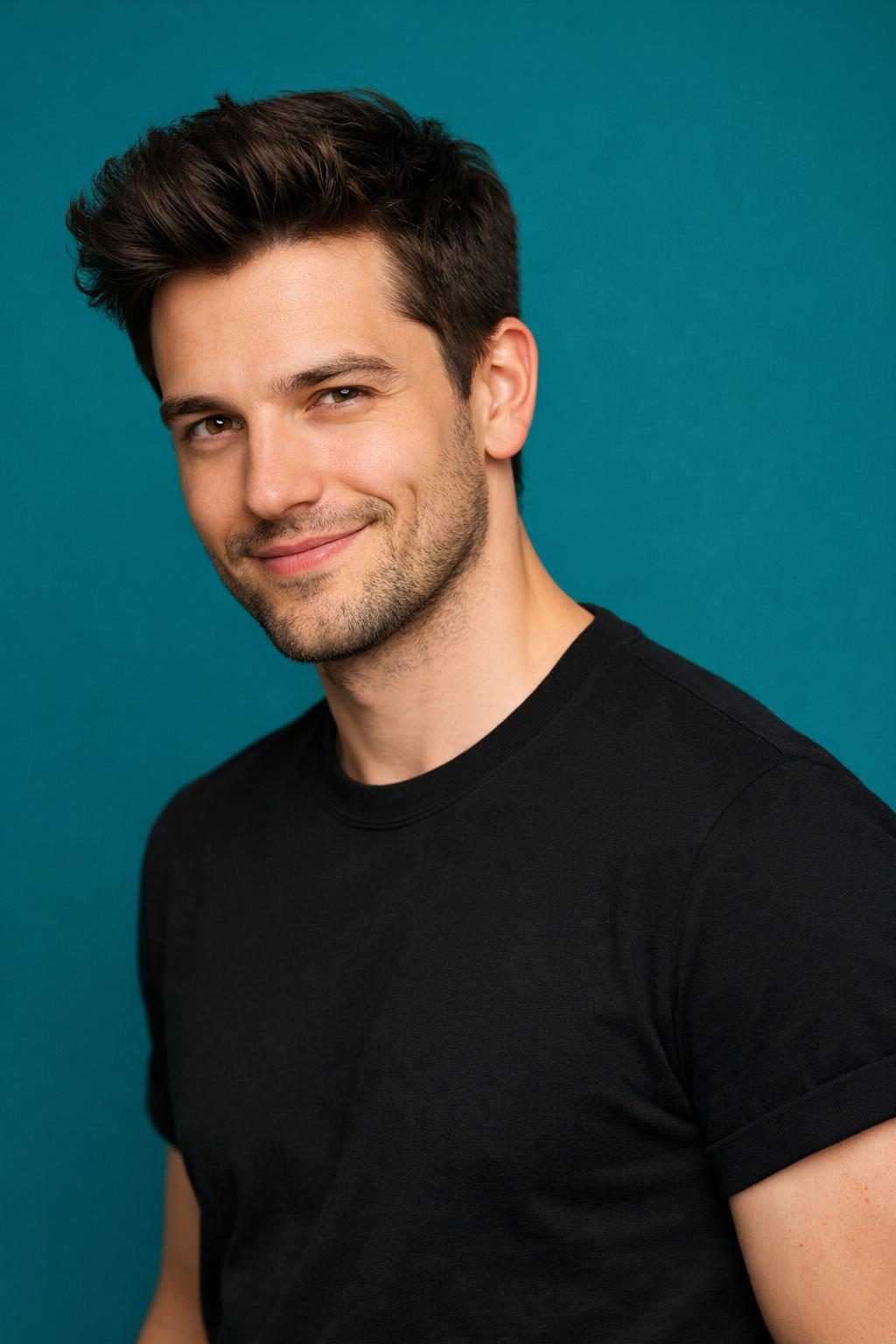
For designers, marketers, and creative-field profiles where a plain grey background undersells the personality a portfolio or agency bio wants to convey.
What makes it work: a bold, saturated color background instead of neutral grey — described as a specific color rather than "colorful" — turns a standard headshot into something with visual presence, without sacrificing photographic realism.
Try the Creative Industry Headshot Generator free →
Getting a Realistic Result: Practical Tips
Generate multiple variations. Even a strong prompt produces one occasional odd result — an asymmetric eye, an unnatural hand position if hands are in frame. Generate 3-4 and pick the best, exactly as you would with a real photo session's contact sheet.
Use your own reference photo when the tool supports it. Models that accept an image alongside the text prompt (like Google's Gemini, described in our Nano Banana prompts guide) can preserve your actual likeness rather than generating a generic face — worth using over a text-only prompt whenever you want the result to look like you, specifically.
Match the background to the platform. LinkedIn headshots read best with simple, uncluttered backgrounds since the photo displays small; a busier environmental background works better on a personal website or portfolio where it displays larger.
Don't skip the lens language. "85mm lens, f/2.8, shallow depth of field" is a small addition to any of the templates above, but it's one of the most reliable ways to push a result from "illustration-adjacent" toward "looks like an actual photograph."
Related Resources
- Nano Banana Prompts: Complete Gemini Image Guide — precise, consistent AI image generation for reference-photo-based headshots
- ChatGPT Portrait Photography Prompts — lighting, lens, and bokeh techniques that apply directly to headshot prompting
- The ChatGPT photo enhancement prompt — enhance an existing photo instead of generating a new one
- Browse all headshot templates — see every prompt in this cluster in one place