

Most AI image prompts produce soft, midrange results — not because the model lacks capability, but because the prompt lacks direction. This guide gives you 8 copy-paste ChatGPT high-resolution image prompts that specify scene, subject, lighting, and quality tier. Use them for generating new images at the highest possible quality.
If you are trying to enhance an existing photo (not generate a new one), you want the ChatGPT 4K photo enhancement prompts guide instead — the workflow is different.
The difference between high-res generation and photo enhancement
Before diving into prompts, it's worth being clear on which workflow you need:
High-resolution image generation — you have no source photo. You want to create a new image from a text description at the highest possible quality. That's what this guide covers.
Photo enhancement — you have an existing photo and want to sharpen, denoise, or restore it. See ChatGPT 4K photo enhancement prompts for templates built specifically for that workflow.
8 copy-paste high-resolution ChatGPT prompts
Each prompt below is structured the same way: scene description → lighting → subject detail → quality stack. Copy, swap the bracketed text, and paste into ChatGPT.
1. High-resolution portrait
"A professional portrait of [person/subject description], [lighting setup: natural window light / soft studio box light / golden hour], [background: clean studio backdrop / blurred bokeh background / outdoor setting]. Shallow depth of field with the subject in sharp focus. Output: 4K ultra HD, tack sharp, RAW photography quality, true-to-life skin tones, no artificial smoothing, professional studio quality, publication-ready."
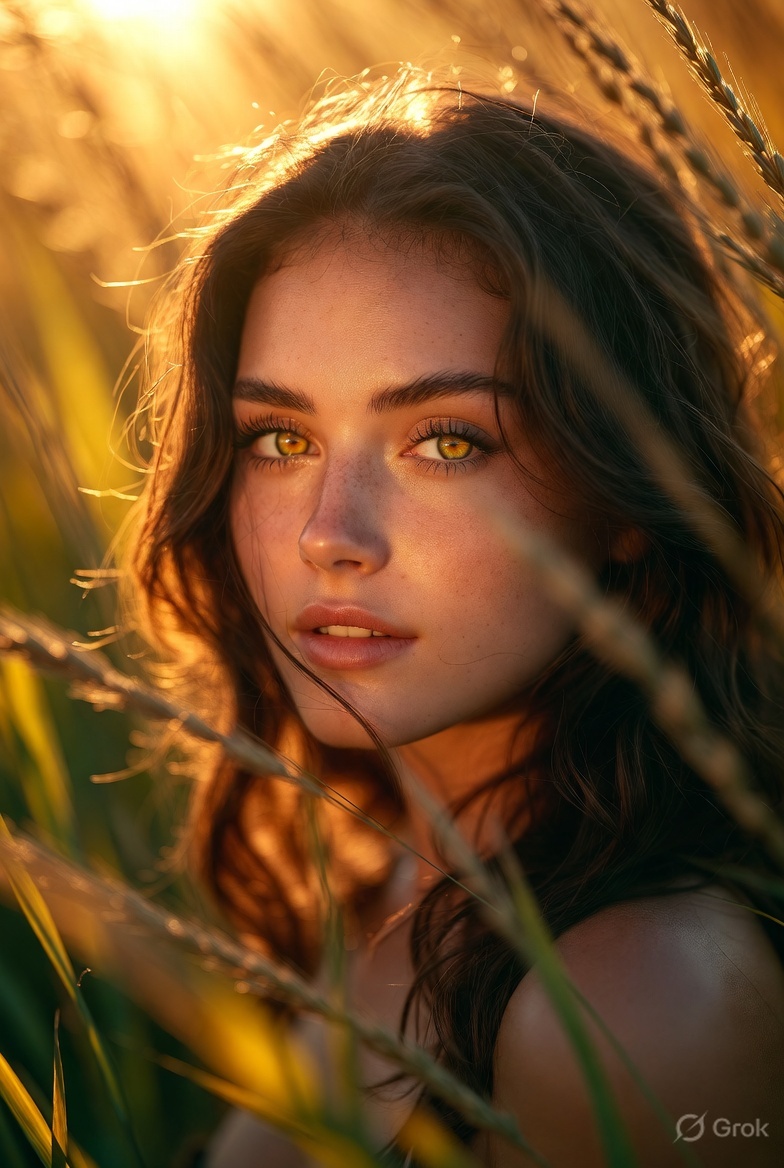
Example output using the portrait prompt above with golden hour lighting. → Use this prompt in ChatGPT
2. High-resolution landscape
"A sweeping [landscape type: mountain range / coastal scene / forest / desert dunes] at [time of day: golden hour / blue hour / midday / twilight], [weather/light condition: clear sky / dramatic storm clouds / morning mist]. Fine detail in foreground, midground, and background visible simultaneously. Output: 4K ultra HD, RAW photography quality, cinematic clarity, rich dynamic range, tack sharp throughout, deep depth of field."
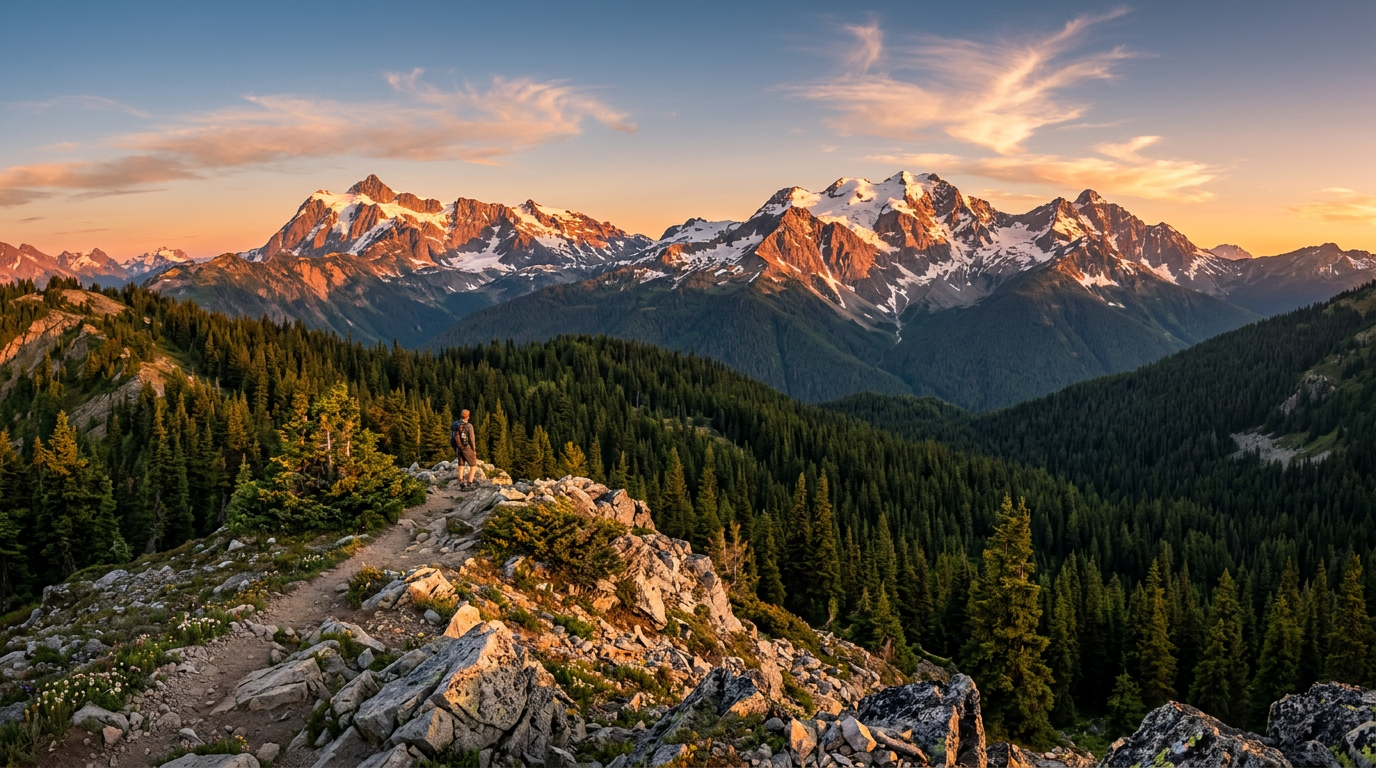
AI-generated example using the landscape prompt above: mountain range at golden hour, 4K ultra HD. → Use this prompt in ChatGPT
3. High-resolution product photography
"A professional product photograph of [product description], [surface: white studio table / textured surface / reflective surface], [lighting: softbox studio light / ring light / natural diffused light]. Every edge and surface texture razor-sharp. Output: 4K ultra HD, commercial product photography standard, clean white background, razor-sharp detail, professional lighting, publication-ready, no shadows unless specified."
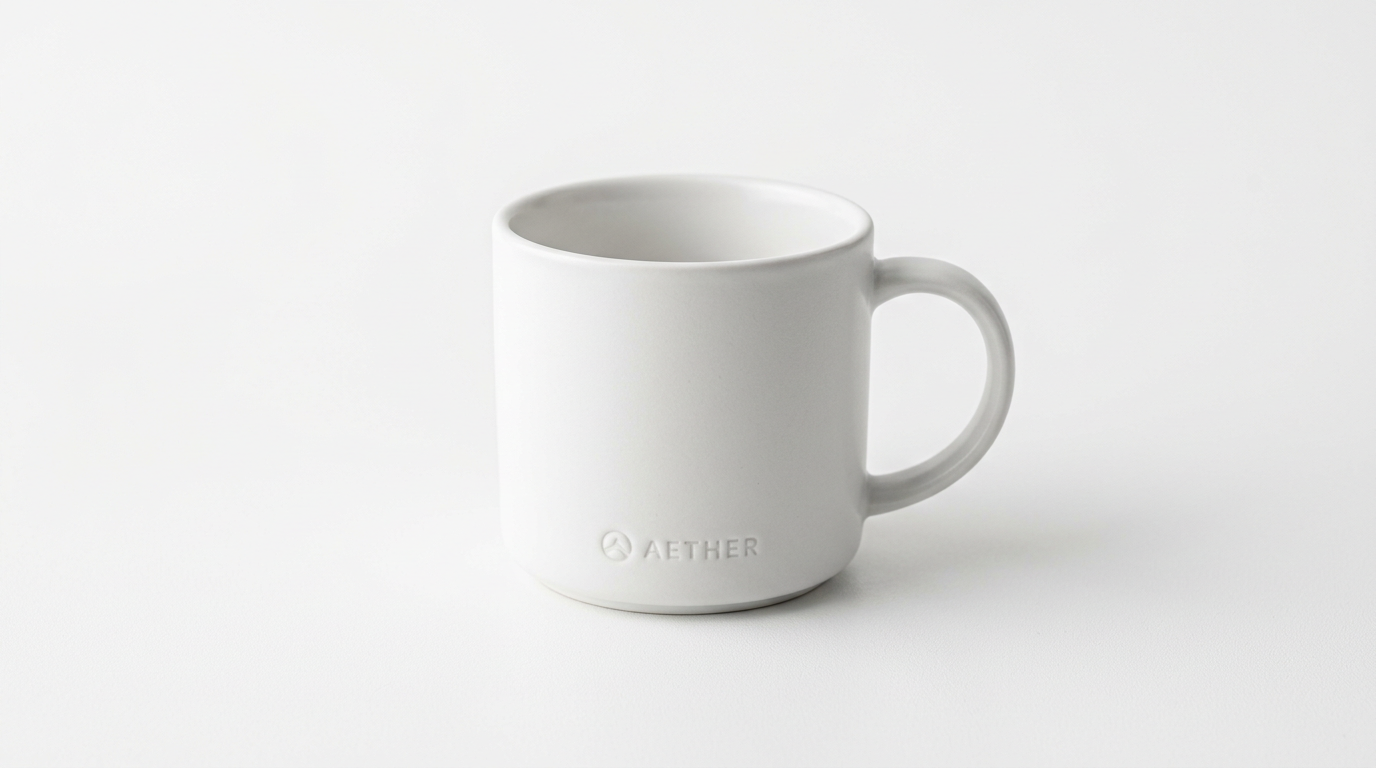
AI-generated example using the product prompt above: minimalist ceramic mug, studio lighting, commercial photography standard. → Use this prompt in ChatGPT
4. High-resolution architectural exterior
"A professional exterior architectural photograph of [building description], [time of day: golden hour / twilight / overcast day / clear midday], [perspective: straight-on / slight low-angle / wide establishing shot]. Output: 4K ultra HD, architectural photography standard, perfect vertical lines, sharp structural details, rich tonal range, RAW photography quality, cinematic clarity."
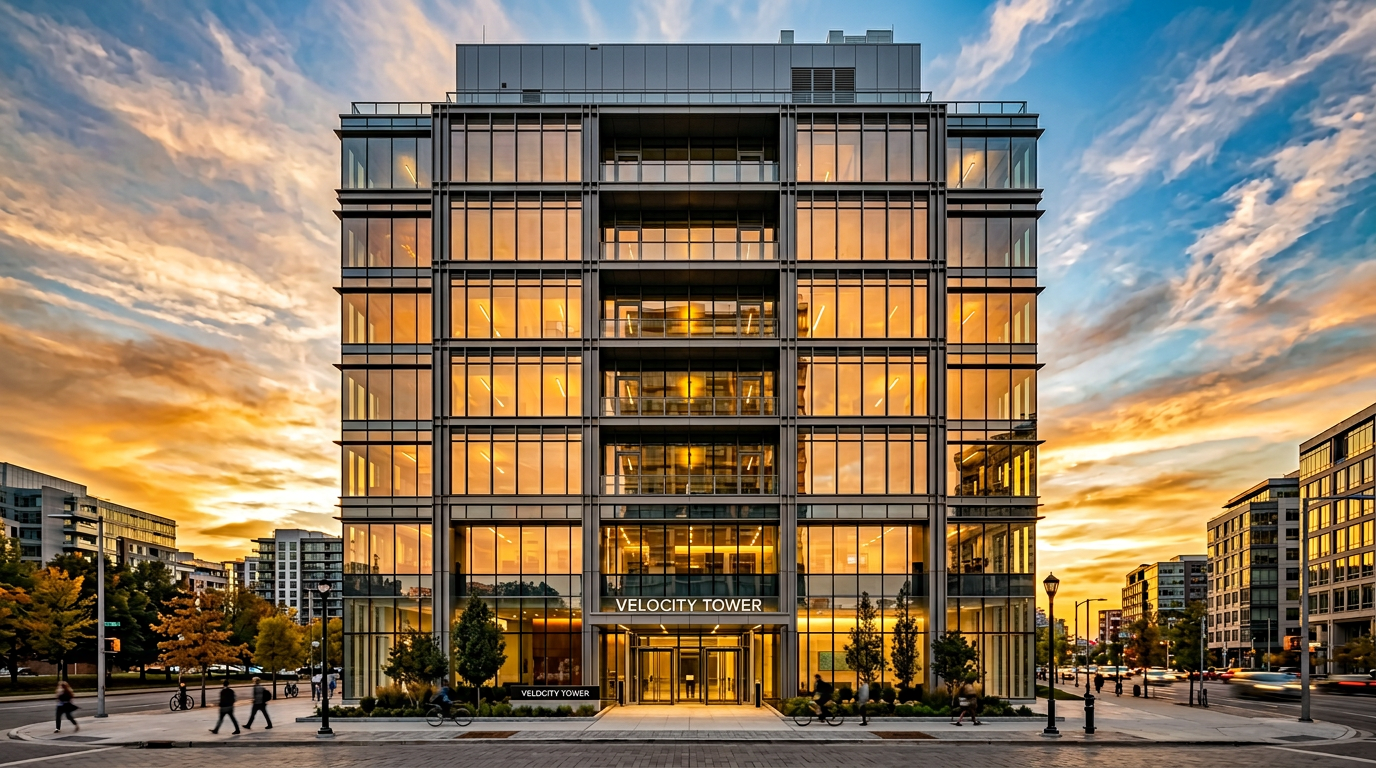
AI-generated example using the architectural prompt above: contemporary building at golden hour, perfect vertical lines, cinematic clarity. → Use this prompt in ChatGPT
5. High-resolution street photography
"A candid street photography scene in [city/location type], [time of day], [weather/atmosphere: rain-wet streets / warm sunset light / overcast blue tones]. Documentary realism — natural expressions, authentic colors. Output: 4K quality, tack sharp, photojournalism standard, authentic color grading, fine detail in faces and environment, cinematic clarity."
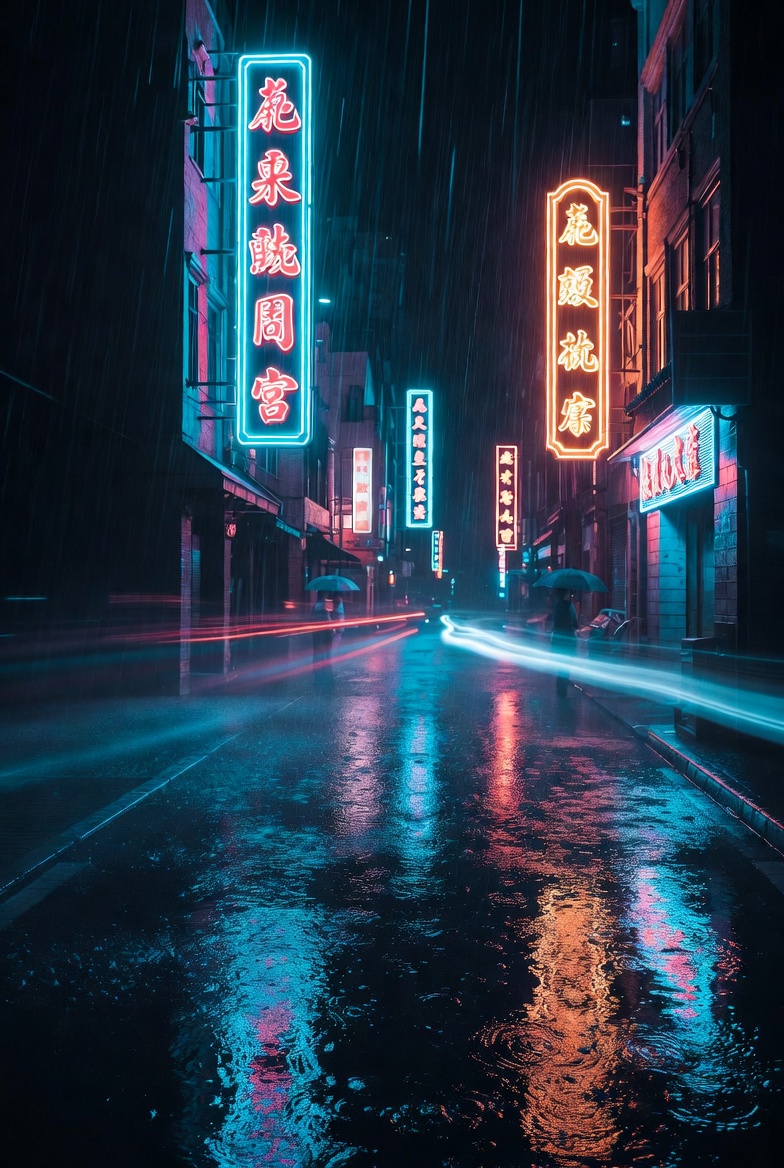
Example output using the street photography prompt: urban night scene, photojournalism standard, cinematic color grading. → Use this prompt in ChatGPT
6. High-resolution food photography
"A professional overhead food photograph of [dish description], [surface: marble / wood / linen], [garnishes/props if any]. Studio-quality lighting with [soft diffused / dramatic side light / natural window light]. Output: 4K ultra HD, commercial food photography standard, tack sharp, vibrant natural colors, glossy texture detail, professional culinary photography quality."
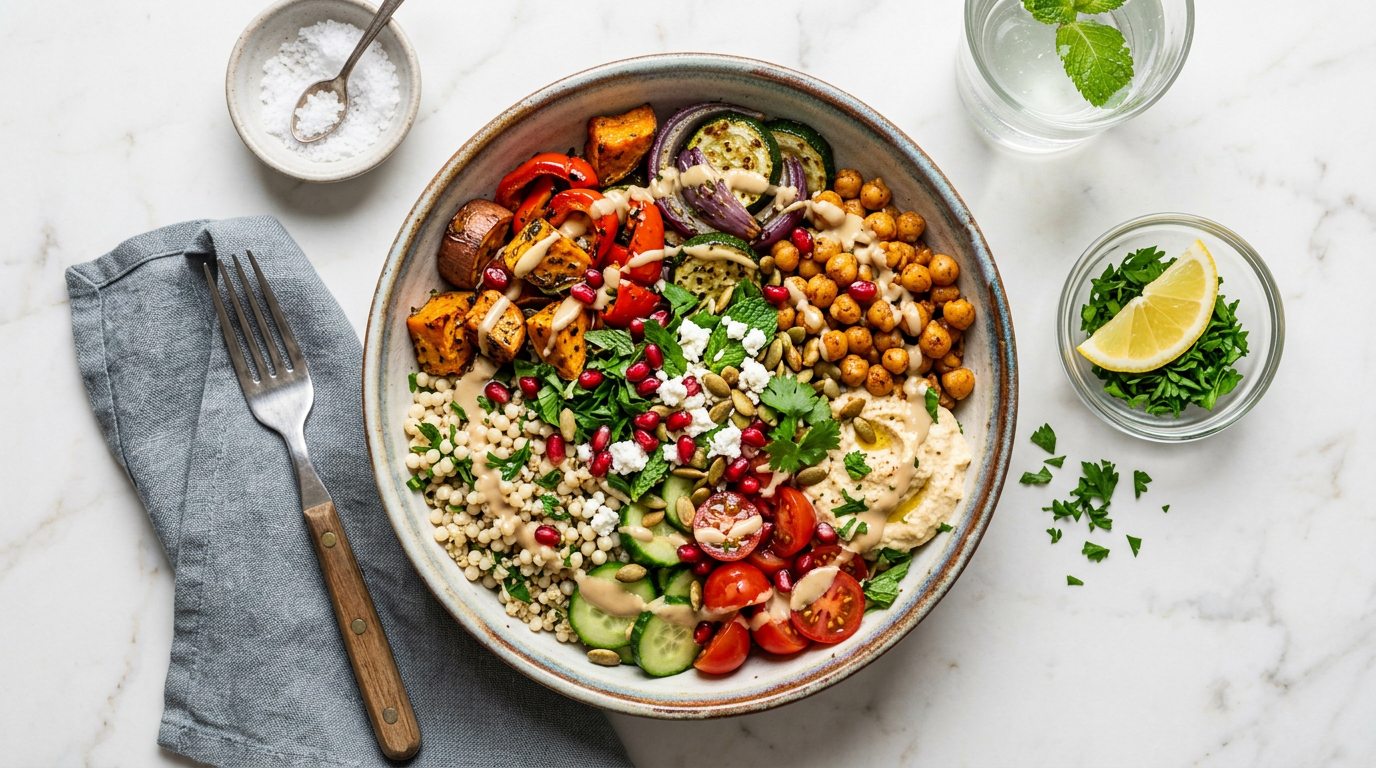
AI-generated example using the food prompt above: Mediterranean grain bowl, overhead flat-lay, marble surface, commercial food photography standard. → Use this prompt in ChatGPT
7. High-resolution nature and wildlife
"A nature photography shot of [subject: bird / mammal / insect / flower] in [habitat/environment], [lighting: golden hour / dappled forest light / overcast diffused light]. Subject in tack-sharp focus against a soft blurred background. Output: 4K ultra HD, wildlife photography quality, National Geographic-style sharpness, vivid natural colors, individual feather/fur/petal detail, maximum depth of field separation."
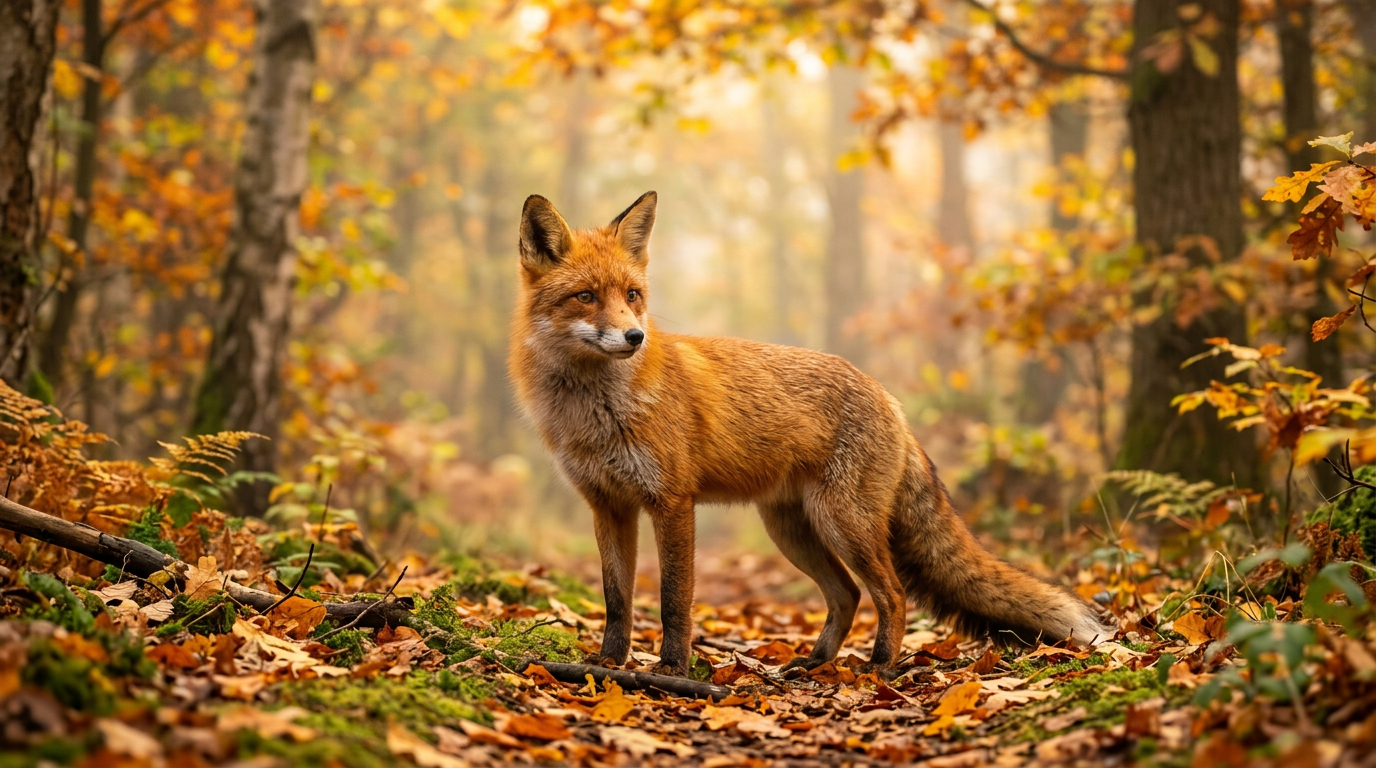
AI-generated example using the wildlife prompt above: red fox in misty autumn forest, golden hour light, National Geographic-style sharpness. → Use this prompt in ChatGPT
8. High-resolution fantasy or concept art
"A cinematic high-resolution concept art image of [scene description], [art direction: realistic photography style / painterly / cinematic], [lighting: dramatic volumetric light / soft ambient / neon-accented]. Output: 4K ultra HD, tack sharp, maximum detail, cinematic quality, ultra-high definition, professional digital art standard, immersive atmosphere."
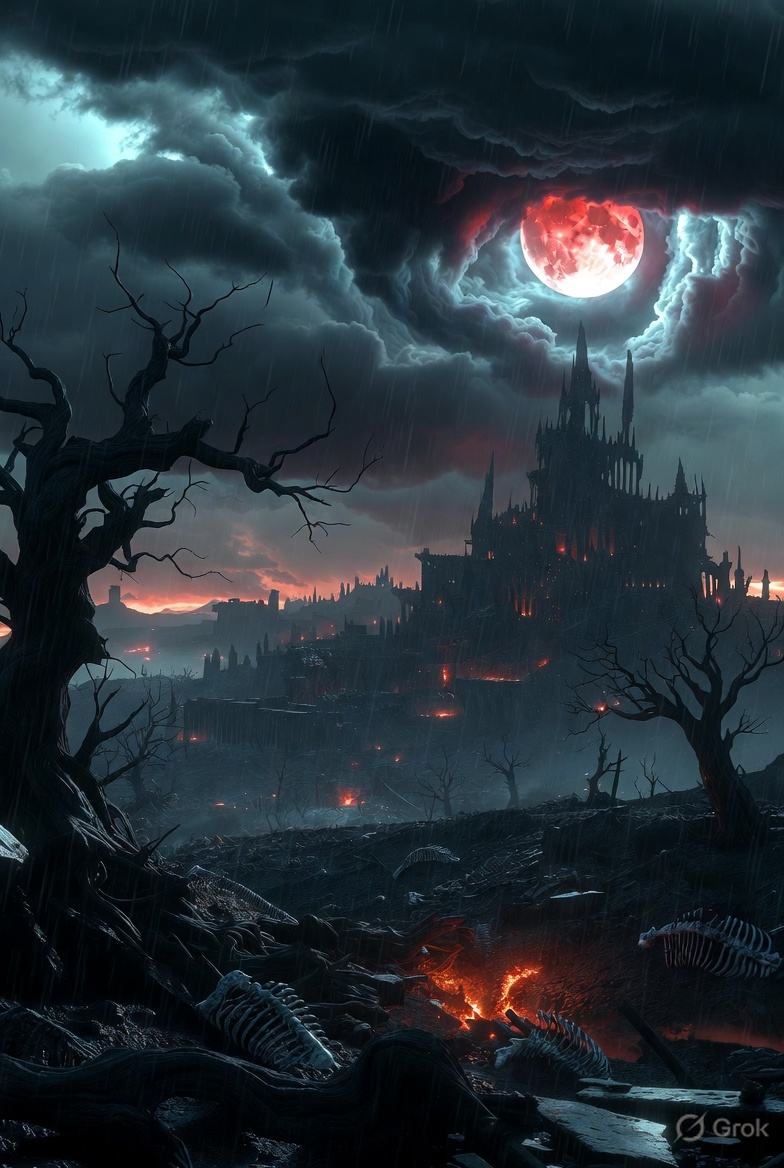
Example output using the fantasy prompt: ancient floating city at sunset, dramatic volumetric light, cinematic quality. → Use this prompt in ChatGPT
Quality keyword stacks by resolution tier
Pick your tier based on end use, then append the corresponding stack to any prompt above.
Standard HD (screen use, social media)
high resolution, sharp, professional photography quality, clean detail
4K (digital display, standard print, presentations)
4K ultra HD, tack sharp, RAW photography quality, cinematic clarity, professional photography standard, publication-ready
8K (large-format print, billboard, heavy crop)
8K ultra HD resolution, maximum detail, hyperrealistic, tack sharp throughout, professional photography quality, RAW clarity, every pixel sharp, fine micro-texture visible
For a detailed breakdown of when 4K versus 8K prompts are worth using, see ChatGPT 4K vs 8K prompts guide.
Does "4K" in a ChatGPT prompt actually work?
In a word: partially. DALL-E 3 and GPT-4o output images at a fixed maximum resolution (typically 1024×1024 or 1792×1024 pixels). Writing 4K ultra HD in your prompt does not change the output file dimensions.
What it does do is strongly signal to the model that fine detail, sharpness, and photorealism are the priority. The result looks visually crisper and more detailed than the same prompt without quality keywords — even at the same pixel count.
For genuine 4K file dimensions, generate the image at the highest ChatGPT output size, then upscale with Topaz Photo AI or Magnific AI. See AI upscale image to 4K: sample prompts for that workflow.
Frequently Asked Questions
How do I make ChatGPT generate a high-resolution image?
Write a detailed scene description, then stack resolution keywords at the end: 4K ultra HD, tack sharp, professional photography quality, RAW clarity, cinematic lighting. The more specific your scene — lighting direction, subject position, background detail — the sharper the output. Avoid short prompts like "a mountain at 4K"; the AI needs enough context to render fine detail.
What is the best ChatGPT prompt for a high-resolution photo?
Combine a complete scene description with an explicit resolution tier and a quality stack. Example: "A professional portrait of a woman in natural window light, studio backdrop, shallow depth of field — 4K ultra HD, tack sharp, RAW photography quality, true-to-life skin tones, publication-ready."
What keywords make ChatGPT images sharper?
The most consistent sharpness keywords: tack sharp, crystal clarity, RAW photography quality, 4K ultra HD, professional photography standard, cinematic clarity, maximum detail. Stack 4–6 of these at the end of your prompt.
Can ChatGPT generate 4K images?
ChatGPT renders at a fixed output size (~1024px wide). Quality keywords like 4K ultra HD increase perceived detail and sharpness in the output even at that size, but do not change file dimensions. For actual 4K pixel counts, upscale the output with Topaz Photo AI or Magnific.
Related resources
- The ChatGPT photo enhancement prompt — the exact prompt to enhance any photo, with before/after examples
- ChatGPT 4K Photo Enhancement Prompts — Enhance, upscale, and restore existing photos
- ChatGPT 4K Image Prompts Guide — Complete guide to 4K generation
- ChatGPT 8K Ultra HD Image Prompts — Push to the highest resolution tier
- AI Upscale Image to 4K: Sample Prompts — True pixel upscaling workflow